
Browser-Based Video Editing in 2025: Why the Future Runs in Your Browser, Not on Your Desktop
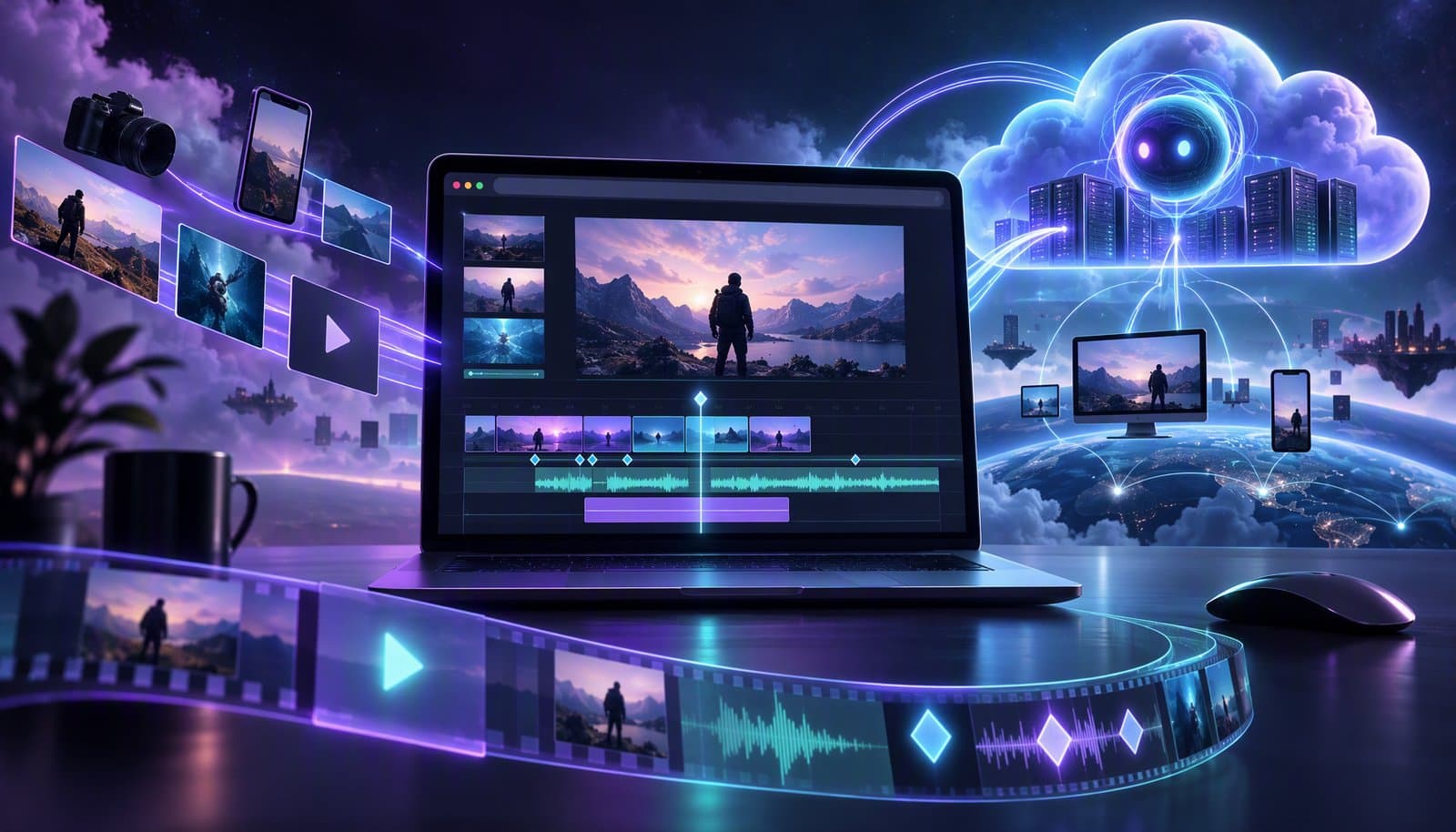
For decades, serious video editing meant one thing: downloading a massive desktop application, waiting for updates, managing license keys, and hoping your hardware could keep up. Premiere Pro, DaVinci Resolve, Final Cut Pro — these tools defined the industry but also locked creators into a specific machine, a specific operating system, and a specific way of working.
That era is ending. The future of video editing runs in your browser.
The Desktop Editing Tax
Let's talk about what desktop video editors actually cost you — beyond the subscription fee:
- Hardware requirements: Premiere Pro recommends 16GB of RAM minimum, a dedicated GPU, and fast SSD storage. A capable editing workstation costs $2,000–$5,000.
- Installation and updates: Large downloads, frequent patches, plugin compatibility issues, and the dreaded "your project was created in a newer version" error.
- Platform lock-in: Final Cut Pro only runs on macOS. DaVinci Resolve's full feature set requires specific GPU hardware. Your editing setup is tied to one machine.
- Portability: Need to edit on a different computer? Good luck transferring project files, media, plugins, and preferences.
- Collaboration friction: Sharing projects between team members means exporting XML files, syncing media libraries, and praying that nothing breaks in translation.
For professional post-production houses with dedicated edit bays, these trade-offs are manageable. For the millions of creators, marketers, educators, and small teams producing video content in 2025? They're unacceptable.
The Browser Revolution
Two breakthrough web technologies have made browser-based video editing not just possible, but superior to desktop alternatives for most use cases:
WebCodecs: Native Video Processing in the Browser
WebCodecs provides low-level access to the browser's built-in video and audio codecs. This means video encoding and decoding — the most computationally intensive part of video editing — now happens at near-native speed directly in Chrome, Firefox, Safari, and Edge.
Before WebCodecs, browser-based video tools were limited to basic trimming and overlays. Now they can handle:
- Real-time timeline playback with multiple tracks
- H.264, H.265, and VP9 encoding
- Up to 4K 60fps export
- Professional codec support without third-party plugins
WebGPU: GPU-Accelerated Rendering in the Browser
WebGPU brings GPU compute capabilities to the web, enabling hardware-accelerated video effects, color processing, and rendering. Tasks that previously required CUDA cores or Metal shaders now run efficiently in the browser's GPU pipeline.
This means browser-based editors can now offer:
- Real-time video effects and transitions
- Hardware-accelerated color grading
- Smooth timeline scrubbing even with high-resolution footage
- Fast export times that rival desktop applications
Why Browser-Based Beats Desktop in 2025
Zero Setup, Instant Start
Open a URL. Start editing. That's it. No downloads, no installations, no system requirements beyond a modern browser. Whether you're on a MacBook Pro, a Chromebook, a Windows PC, or even a tablet — you have access to your full editing environment.
This isn't just convenient — it's transformative for teams. Onboarding a new editor? Send them a link. Client needs to review a cut? Share a URL. Working from a coffee shop on a borrowed laptop? Log in and pick up where you left off.
Always Up to Date
Browser-based applications update continuously. There's no "download the latest version" prompt, no compatibility breaks between versions, and no fragmentation across your team. Everyone is always on the latest release with the newest features and bug fixes.
Cross-Platform by Default
Browser-based editors work on every operating system, every device, and every screen size. There's no macOS-only limitation, no Windows-specific bugs, no Linux workarounds. If it runs a browser, it runs your editor.
Cloud-Native Collaboration
When your editor lives in the browser, collaboration becomes as natural as Google Docs. Multiple team members can work on the same project simultaneously, leave comments on specific timeline moments, and review edits in real time — without exporting XML files or syncing media libraries.
AI Integration Without Friction
This is where browser-based editing truly shines. Desktop editors bolt on AI features as plugins or external services. Browser-based editors can integrate AI models natively — running inference in the cloud and streaming results directly to your timeline.
At Loopdesk, our entire AI pipeline is cloud-native. When you type a natural language prompt like "Remove all silences" or "Create 3 vertical clips for TikTok," the AI processes your request in the cloud and updates your timeline in real time. No plugin installations, no API keys, no configuration. Just type and edit.
What About Performance?
This is the question every skeptic asks: "Can a browser really match a desktop application for video editing performance?"
The honest answer in 2025: for the vast majority of editing workflows, yes.
Here's what Loopdesk handles entirely in the browser:
- Import: MP4, MOV, MKV, AVI, WAV, MP3 — all major formats
- Timeline editing: Multi-track editing with real-time playback
- AI operations: Silence removal, caption generation, highlight detection, multi-speaker analysis
- Effects: Transitions, overlays, text, and motion graphics
- Export: Up to 4K resolution, no watermark, all major aspect ratios
Where desktop editors still have an edge is in bleeding-edge professional workflows: 8K footage, complex compositing with dozens of layers, and specialized hardware monitoring. But these represent less than 5% of all video editing work being done today.
For creators, podcasters, marketers, educators, and social media teams — browser-based editing isn't a compromise. It's an upgrade.
The Convergence of Browser + AI
Here's what makes 2025 the inflection point: browser-based editing and AI editing are converging into a single, unified experience.
Think about what this combination enables:
- Upload from anywhere: No need to transfer files to a specific machine
- AI-powered first cut: Your timeline populates automatically with intelligent edits
- Natural language refinement: Describe changes in plain English, get instant results
- Multi-platform export: One click, every platform, every format
- Collaborative review: Share with your team or client instantly
This is exactly what we've built with Loopdesk — a 100% browser-based, AI-first video editor that combines the convenience of the web with the intelligence of agentic AI. No downloads, no watermarks, no learning curve.
The Future Is Already Here
The transition from desktop to browser isn't coming — it's happening right now. And just like the transition from installed software to SaaS transformed productivity tools (Microsoft Office → Google Docs), project management (desktop apps → Notion, Linear), and design (Photoshop → Figma), video editing is next.
The tools that win in 2026 and beyond won't be the ones with the most menu items or the steepest learning curves. They'll be the ones that make video editing as easy as writing a Google Doc — accessible from anywhere, collaborative by default, and powered by AI that understands your creative intent.
That's the future we're building at Loopdesk. And it runs in your browser.
Frequently Asked Questions
Can you edit video in a browser without downloading software?
Yes. Modern browser-based editors like Loopdesk run entirely in Chrome, Firefox, Safari, or Edge: open a URL, upload footage, edit on a multi-track timeline with real-time playback, and export up to 4K with no installation, no plugins, and no watermark.
How do browser-based video editors match desktop performance?
Two web technologies changed the math. WebCodecs gives browsers near-native video encoding and decoding (H.264, H.265, VP9, up to 4K 60fps), and WebGPU brings hardware-accelerated effects, color processing, and rendering. Together they enable smooth timeline scrubbing and export speeds that rival desktop apps.
Is browser-based video editing as good as desktop editing?
For the vast majority of workflows — creators, podcasters, marketers, educators, social teams — yes. Desktop editors keep an edge only in bleeding-edge professional work like 8K footage, dozens-of-layers compositing, and specialized hardware monitoring, which represents less than 5% of editing done today.
Which formats can a browser video editor handle?
Loopdesk imports MP4, MOV, MKV, AVI, WAV, and MP3, edits multi-track in real time, runs AI operations like silence removal and captioning, and exports up to 4K in every major aspect ratio with no watermark.
Experience browser-based AI video editing for yourself. Open Loopdesk — no downloads, no watermarks, works in any modern browser.