
Best AI Editor for Shorts, Reels & TikTok (Vertical 9:16)
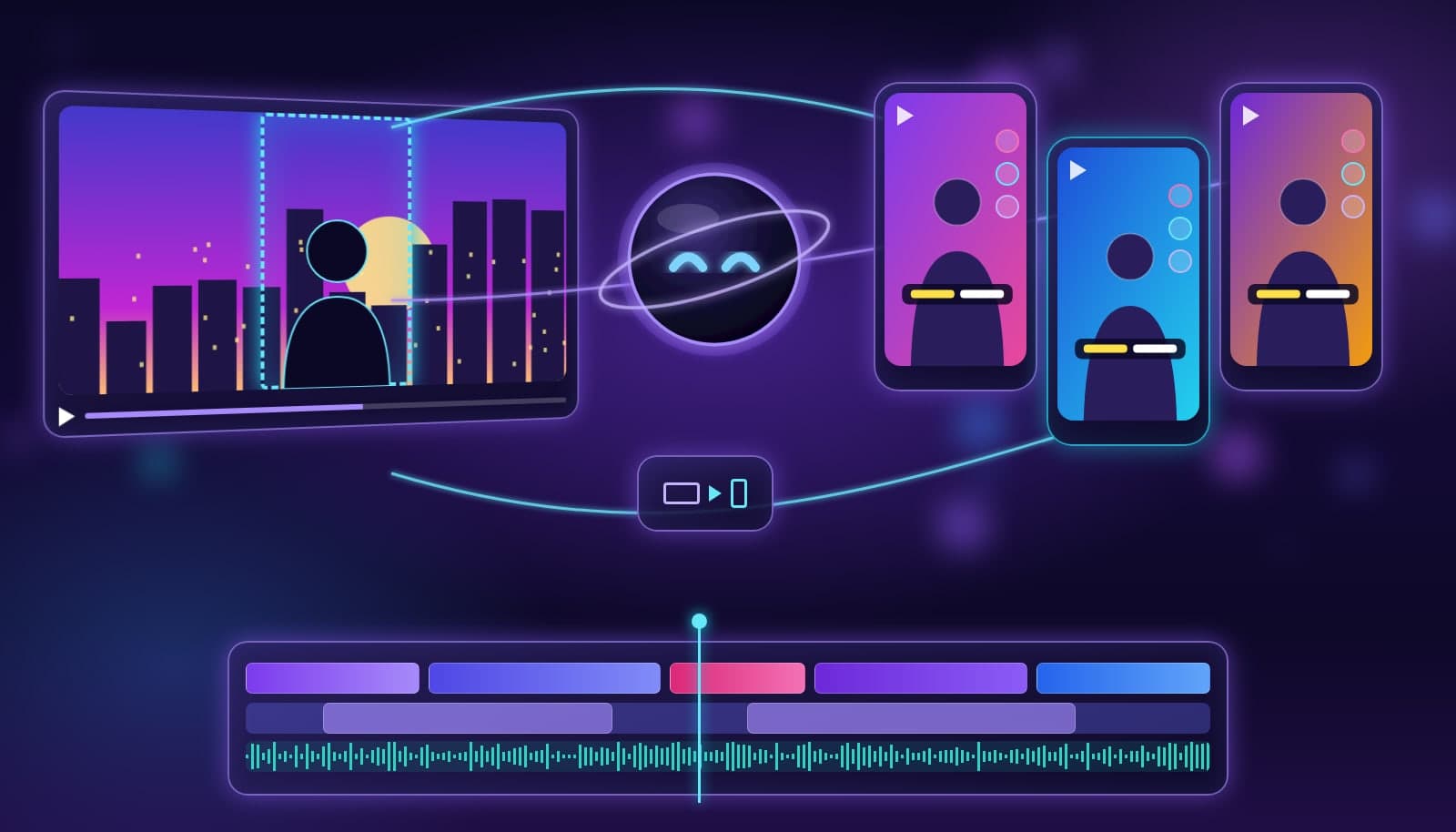
The best AI editor for Shorts, Reels, and TikTok in 2026 is Loopdesk if you want an agent to cut, reframe to 9:16, caption, and export every platform version from one brief. CapCut is the best quick editor for trend-driven TikToks, Opus Clip is the fastest way to clip long videos, and Descript suits talking-head creators who edit by transcript.
Vertical video has its own rules: the frame is 1080x1920, the first two seconds decide whether anyone stays, most viewers watch sound-off, and each platform has different length limits and safe zones. This guide ranks AI editors on those rules specifically. If you are new to the format, start with the short-form video definition and our explainer on vertical video.
What makes an AI editor good for vertical 9:16 video?
A good vertical editor does five things well:
- Smart reframing. It converts 16:9 footage to 9:16 by tracking the speaker or subject, not by locking a center crop. See aspect ratio reframing.
- Readable captions. Word-level auto captions placed inside the platform safe zone, so they are not hidden by buttons or descriptions.
- Hook-first cutting. It trims dead air and opens on the strongest line, since retention drops fastest in the first seconds.
- Clip selection. It finds the best moments in long recordings instead of making you scrub through them.
- Clean multi-platform export. One edit, exported at the right length and spec for Shorts, Reels, and TikTok without a watermark.
Shorts vs Reels vs TikTok: specs to edit for
| Platform | Aspect ratio | Resolution | Max length | Editing note |
|---|---|---|---|---|
| YouTube Shorts | 9:16 | 1080x1920 | Up to 3 minutes | Loops well; hook in the first line |
| Instagram Reels | 9:16 | 1080x1920 | Up to 3 minutes | Keep text clear of the bottom caption area |
| TikTok | 9:16 | 1080x1920 | 10 minutes for most accounts | Trend audio and fast cuts perform well |
| Facebook Reels | 9:16 | 1080x1920 | 90 seconds | Tight edits; captions for sound-off feeds |
Platform limits change; confirm them in each app before a big campaign. Before you post a Reel, run through our Reels pre-publish checklist.
Best AI editors for Shorts, Reels, and TikTok compared
| Tool | Best for | 9:16 reframing | Captions | Clips long videos | Watermark-free exports |
|---|---|---|---|---|---|
| Loopdesk | Agent-finished vertical edits for every platform | Yes, subject-aware | 108 languages | Yes | Yes, on every plan (no free plan) |
| CapCut | Quick trend edits and templates | Yes | Yes | Limited | Depends on plan and region |
| Opus Clip | Automatic clips from long videos | Yes | Yes | Yes, core feature | Paid plans |
| Descript | Talking-head edits by transcript | Yes | Yes | Yes | Paid plans |
| VEED | Browser edits with caption styling | Yes | Yes | Limited | Paid plans |
| Adobe Premiere Pro | Pro timelines with Auto Reframe | Yes | Auto transcription | Manual | Yes |
| DaVinci Resolve | Free pro editing for vertical timelines | Manual or Studio tools | Studio | Manual | Yes |
The best AI editors for vertical video in 2026
1. Loopdesk - Best for finished vertical edits from one brief
Loopdesk is an agentic AI editor that runs in your browser. Tell Aura, the Loopdesk agent, what you want, such as "cut three 45-second Shorts from this podcast, captions on, hook first," and it finds the moments, reframes to 9:16, captions in 108 languages, and puts everything on an editable timeline. Exports are unlimited 4K with no watermark on every plan. There is no free plan: Creator Lite is $19/mo, or $15/mo billed annually. It does not have a native phone app, so it is a browser workflow rather than a record-and-post-from-phone one.
2. CapCut - Best for quick trend-driven TikToks
CapCut is fast for template-based, trend-driven edits and pairs naturally with TikTok. Auto captions and effects are strong. It is less suited to batch-producing many clips from long recordings, and plan and export terms vary by region.
3. Opus Clip - Best for clipping long videos automatically
Opus Clip is built to turn a long video into many short clips with reframing and captions. It is the fastest hands-off clipper, but it is a clipper rather than a full editor. See how it compares in Loopdesk vs Opus Clip.
4. Descript - Best for talking-head creators
Descript edits video by editing the transcript, which is fast for podcasts and talking-head clips. Vertical layouts and captions are available, though visual editing is less flexible than a traditional timeline.
5. VEED - Best for caption styling in the browser
VEED is a simple browser editor with good caption styling and templates, useful for teams making occasional vertical posts.
6. Adobe Premiere Pro - Best for pro editors
Premiere Pro's Auto Reframe and speech-to-text make vertical versions of professional edits straightforward, at the cost of a steeper learning curve and more manual work per clip.
7. DaVinci Resolve - Best free pro timeline
DaVinci Resolve handles vertical timelines for free, with more AI tools in the paid Studio version. It is powerful but manual for high-volume short-form work.
Which vertical video editor should you pick?
- You post daily from long recordings: Loopdesk or Opus Clip.
- You chase trends on TikTok: CapCut.
- You mostly film talking-head videos: Descript or Loopdesk.
- You are a pro editor adding vertical versions: Premiere Pro or DaVinci Resolve.
For the full repurposing workflow, read how to repurpose long-form video into Shorts, Reels, and TikToks, and compare clippers in our best AI clipping tools guide.
How to export vertical 9:16 video for every platform
- Set the timeline to 1080x1920 (9:16) before you start cutting.
- Keep faces, text, and captions inside the central safe zone, away from the bottom and right edges where platform buttons sit.
- Export MP4 with H.264 and AAC audio at 30 or 60 fps, matching your source frame rate.
- Trim each version to the platform's length limit, then preview on a phone before posting.
Frequently Asked Questions
What is the best AI editor for YouTube Shorts, Reels, and TikTok?
Loopdesk is best if you want an agent to cut, reframe to 9:16, caption, and export versions for every platform from one brief. CapCut is best for quick trend edits, Opus Clip for automatic clipping from long videos, and Descript for talking-head creators.
What size should vertical videos be?
Export vertical short-form video at 1080x1920 pixels in a 9:16 aspect ratio. That size works for YouTube Shorts, Instagram Reels, TikTok, and Facebook Reels.
Can AI convert horizontal video to vertical?
Yes. AI reframing tracks the speaker or subject and crops 16:9 footage to 9:16 automatically, which keeps the important action in frame better than a fixed center crop.
How long can Shorts, Reels, and TikToks be?
YouTube Shorts and Instagram Reels can be up to 3 minutes, TikTok allows 10 minutes for most accounts, and Facebook Reels are limited to 90 seconds. Shorter edits usually hold attention better.
Do I need captions on vertical videos?
Yes. Many viewers watch short-form video with the sound off, so captions help retention and accessibility. Place them inside the platform safe zone so buttons do not cover them.
Turn one recording into a week of Shorts, Reels, and TikToks. Try Loopdesk - unlimited 4K exports, no watermarks.