
AI Script-to-Video & Text-to-Video Tools Compared (2026)
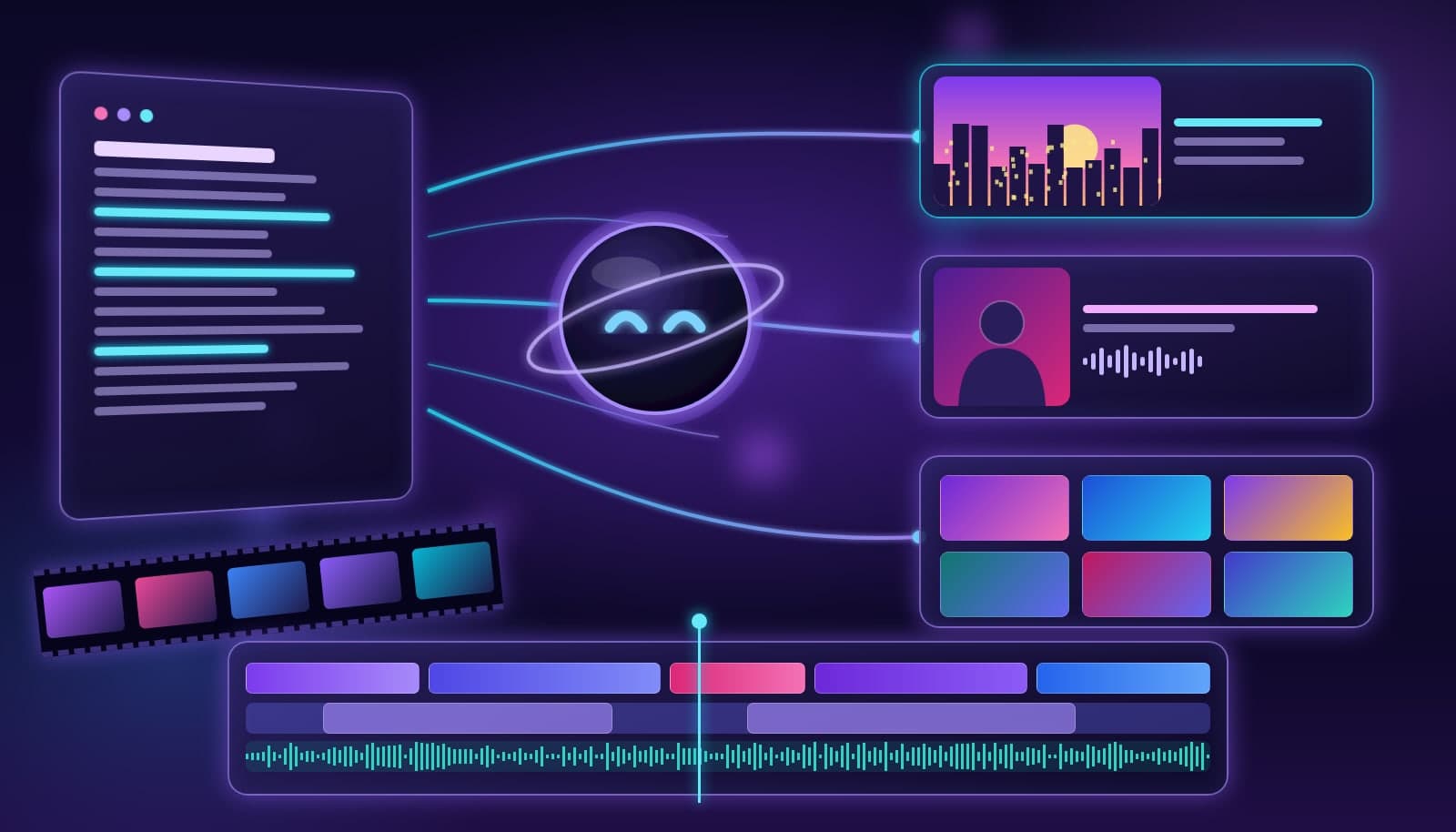
AI script-to-video tools turn a written script into a finished video by matching each line to avatars, stock clips, or generated scenes. Text-to-video tools generate brand-new footage from a prompt. In 2026, Runway and Google Veo lead generated footage, Synthesia and HeyGen lead avatar presenters, InVideo AI and Pictory lead stock-assembly videos, and Loopdesk edits real footage with generated B-roll.
"Text-to-video" gets used for three very different products, and picking the wrong one is the most common mistake we see. This guide separates them, compares eight tools side by side, and explains when you should not generate a video at all but edit the footage you already have. For the definition on its own, see the text-to-video glossary entry.
What is the difference between script-to-video and text-to-video?
Script-to-video starts from a script, blog post, or outline and assembles a complete video: scenes, voiceover, captions, music, and pacing. The visuals usually come from a stock library or an AI avatar reading your lines. The output is a finished explainer, training video, or social post.
Text-to-video (in the strict sense) is a generative AI video model that synthesizes new footage from a prompt such as "slow dolly shot through a neon-lit ramen shop." The output is a short clip, typically seconds long, that you then cut into a larger edit.
Both are different from text-based editing, where you edit footage you recorded by editing its transcript. That distinction matters because it decides whether you need a generator or an editor. Our text-based video editing explainer covers the editing side in depth.
What are the three types of AI text-to-video tools?
| Type | You give it | You get back | Typical use | Examples |
|---|---|---|---|---|
| Generative model | A prompt (optionally a reference image) | New synthesized clips, usually seconds long | B-roll, concept shots, ads, VFX plates | Runway, Google Veo |
| Avatar presenter | A script | A digital presenter speaking your script | Training, onboarding, localized explainers | Synthesia, HeyGen |
| Stock-assembly maker | A script, article, or prompt | A full video built from stock footage, voiceover, and captions | Faceless social videos, blog-to-video | InVideo AI, Pictory |
| AI editor with generation | Your own footage plus a brief | An edited video, with generated B-roll where needed | Creator, podcast, and brand edits | Loopdesk |
Most "best text-to-video tool" lists mix these categories together, which is why the rankings rarely agree. Decide the category first, then compare tools inside it.
AI script-to-video and text-to-video tools compared
We compared tools on what matters before you pay: the input each one expects, what it actually outputs, whether you can try it for free, and where it breaks down. Pricing changes often in this category, so we list the free option rather than exact prices; always check the vendor's pricing page.
| Tool | Category | Best input | Output | Free option | Main limitation |
|---|---|---|---|---|---|
| Runway | Generative model | Prompt or image | Short generated clips | Limited one-time credits | Clips are short; long stories need editing |
| Google Veo | Generative model | Prompt | Short generated clips with audio | Limited access through Google AI plans | Credit-based; consistency across shots varies |
| Synthesia | Avatar presenter | Script | Avatar-led video in many languages | Limited free plan | Presenter format only; not for footage-heavy edits |
| HeyGen | Avatar presenter | Script or photo | Avatar video, translation, lip-sync | Limited, watermarked free plan | Avatar style can feel corporate for creators |
| InVideo AI | Stock assembly | Prompt or script | Full video from stock, voice, captions | Limited free plan | Stock visuals can look generic |
| Pictory | Stock assembly | Script, article, or URL | Stock-based summary video | Free trial | Less control over shot choice and pacing |
| Descript | Transcript editor | Recorded audio or video | Edited video plus AI voice and scenes | Free plan | Built for editing recordings, not generating scenes |
| Loopdesk | Agentic AI editor | Your footage plus a brief | Finished edit with generated B-roll, music, and SFX | No free plan; Creator Lite $19/mo | Needs real footage; not a pure prompt-to-film generator |
Which text-to-video tool should you use?
- You need footage that does not exist: use a generative model like Runway or Google Veo, then bring the clips into an editor.
- You need a presenter but do not want to film: use Synthesia or HeyGen for training, onboarding, and localized explainers.
- You need faceless social videos from articles or scripts: use InVideo AI or Pictory, and budget time to swap out generic stock.
- You already filmed the content: skip generation and use an AI editor. Loopdesk cuts the footage, adds auto captions in 108 languages, and generates B-roll only where the edit needs it.
How does AI script-to-video work?
Script-to-video tools follow roughly the same pipeline:
- Parse the script into scenes, usually one scene per sentence or short paragraph.
- Match visuals to each scene by searching a stock library, generating a clip, or placing an avatar.
- Add voice with text-to-speech or a cloned voice, then time scenes to the narration.
- Layer captions, music, and transitions, and export in the aspect ratio you picked.
The weak step is almost always step two. Stock search matches keywords, not meaning, so a line about "growth" often gets a generic plant sprouting. Reviewing and swapping visuals is where most of your time goes.
Is text-to-video good enough to replace filming in 2026?
For short inserts, often yes. Generated shots work well as B-roll, establishing shots, product concept visuals, and stylized ad moments. For anything that needs a real person, a real product, or a consistent character across many shots, not yet. Continuity across a multi-minute story is still the hardest problem, and viewers notice uncanny motion quickly.
The practical 2026 workflow is hybrid: film the parts that need trust (people, demos, testimonials), generate the parts that would be expensive to shoot, and edit everything together on a real timeline. Label synthetic footage where it matters; our guide to C2PA content credentials explains how provenance metadata works.
When should you edit instead of generate?
If you have recordings, such as a podcast, webinar, interview, tutorial, or talking-head video, generating a new video from a script throws away your best asset: you. An AI editor keeps your footage and does the tedious work of cutting pauses, reframing for vertical, captioning, and adding supporting visuals.
That is where Loopdesk fits. You describe the edit in plain English, and Aura, the Loopdesk agent, builds it on an editable timeline, generating B-roll, music, or sound effects only for the gaps. Compare the wider field in our best AI video editing tools for 2026 ranking.
Frequently Asked Questions
What is the best AI script-to-video tool in 2026?
It depends on the output you want. Synthesia and HeyGen are strongest for avatar presenters, InVideo AI and Pictory for stock-based videos from scripts, and Runway or Google Veo for generated footage. If you already have recordings, an AI editor like Loopdesk is a better fit than a generator.
Is text-to-video the same as script-to-video?
No. Text-to-video usually means a generative model creating new footage from a prompt. Script-to-video means assembling a complete video from a script using avatars, stock clips, or generated scenes, plus voiceover and captions.
Can AI make a full video from a script?
Yes. Script-to-video tools can produce a complete video with scenes, voiceover, captions, and music from a script. Expect to review the visuals, because automatic stock matching often picks generic shots.
Are there free text-to-video tools?
Most tools offer a limited free plan or trial, usually with watermarks, short durations, or one-time credits. Loopdesk does not have a free plan; Creator Lite starts at $19/mo, or $15/mo billed annually, with unlimited 4K exports and no watermark.
Can I combine generated clips with my own footage?
Yes, and it is usually the best result. Generate short inserts for B-roll or concept shots, then edit them alongside your real footage on a timeline so pacing, captions, and audio stay consistent.
Already have footage? Try Loopdesk - describe the edit, get a finished timeline with generated B-roll where it helps.