
Premiere Pro vs After Effects: Which One Do You Need? (2026)
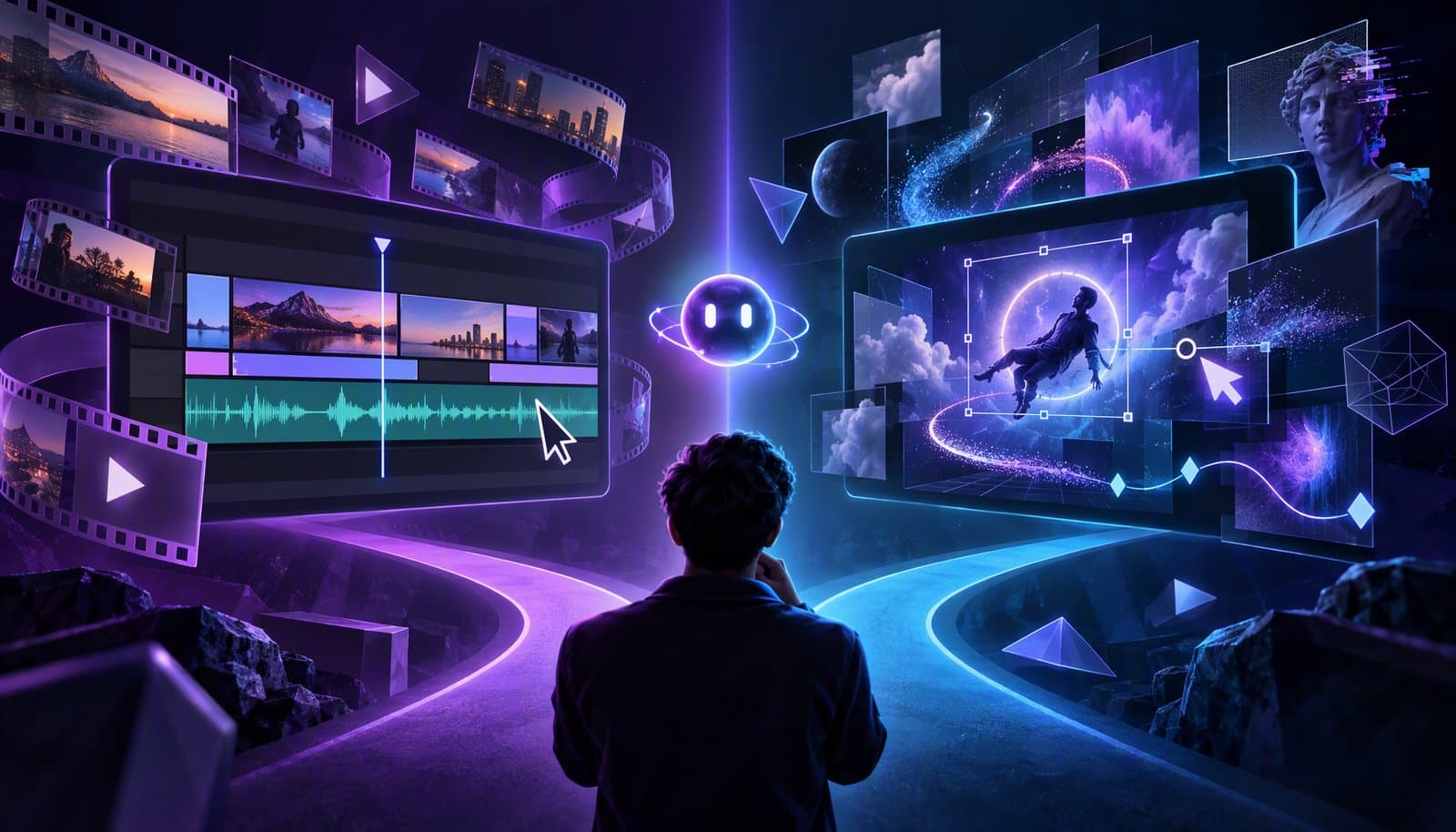
Premiere Pro is a video editor: you cut footage into a story, clean up the sound, add captions and export. After Effects is a motion graphics and visual effects app: you animate text and graphics and composite shots, usually a few seconds at a time. Most people need Premiere Pro first, then add After Effects when they need custom animation or effects.
Adobe says as much on its own After Effects page: "After Effects is a motion design and visual effects app," and "We recommend editing video clips in a dedicated video editing app like Adobe Premiere." This guide covers what each app is for, how their timelines differ, how they work together, what they cost in the US, and the cheaper alternatives.
A note on names: Adobe now calls Premiere Pro simply Adobe Premiere. Its product FAQ says the new name represents "the family of apps, spanning desktop and mobile." We use Premiere Pro here because that's still what most people search for.
Prices and features checked October 20, 2026 on Adobe's US product pages, Blackmagic Design's site and Apple's Final Cut Pro page (links under Sources). Adobe runs promotions, and prices vary by country and tax, so confirm at checkout. Full disclosure: Loopdesk is our product.
What is the difference between Premiere Pro and After Effects?
Premiere Pro is a non-linear editor (NLE). You import hours of footage, choose the best moments and arrange them on a timeline of video and audio tracks. Its tools are built for the whole program: trimming, multicam, audio cleanup, color correction, captions and export.
After Effects is a compositing and animation app. Instead of arranging clips into a story, you build compositions: stacks of layers (footage, text, shapes, images) whose properties you animate over time. Adobe pitches it for animating text, graphics and illustrations and for compositing visual effects for film, TV, video and the web.
The simplest test: if the job is "turn this footage into a video," it's Premiere Pro. If the job is "make this shot or graphic do something it couldn't do on its own," it's After Effects.
Premiere Pro vs After Effects at a glance
| Premiere Pro | After Effects | |
|---|---|---|
| What it is | Video editor (NLE) | Motion graphics, compositing and VFX app |
| Timeline model | Sequences of clips on stacked video and audio tracks | Compositions of layers whose properties you animate with keyframes |
| Typical tasks | Cutting interviews, vlogs, podcasts, ads and films; audio cleanup; color; captions; export | Animated titles and logos, lower thirds, explainer graphics, compositing, object removal |
| Scope of a project | The whole program, minutes to hours | Short pieces, often seconds long, that go into an edit |
| AI features Adobe lists | Generative Extend, Media Intelligence search, Object Mask, Text-Based Editing, Enhance Speech, Speech to Text in 18 languages | AI Object Matte, Content-Aware Fill |
| Learning curve | Weeks to get comfortable; the clips-on-tracks model carries over from other editors | Usually steeper: layers, keyframes, the Graph Editor and expressions |
| US price (October 2026) | US$22.99/month single app, annual plan billed monthly | US$22.99/month single app, annual plan billed monthly |
| Best for | Anyone who edits footage | Motion designers, and editors who need custom graphics or effects |
Adobe's Generative Extend page says the feature can extend a clip by up to two seconds of video or ten seconds of audio, and that it uses generative credits.
How do their timelines work?
Both apps have a panel called a timeline, but they think about time differently.
In Premiere Pro, the timeline holds a sequence: clips placed end to end on video and audio tracks, trimmed and rearranged until the story works. The unit of work is the cut. For the basics of tracks, trims and the playhead, see our video editing timeline guide.
In After Effects, the timeline holds a composition. Every element is a layer, and each layer has properties such as position, scale, rotation and opacity. You set keyframes on those properties, shape the motion between them in the Graph Editor, and use expressions, which Adobe says "streamline repetitive tasks," to automate the rest. The unit of work is the movement. If keyframes are new to you, start with what keyframes and easing are.
That's why you don't edit a 40-minute interview in After Effects. It isn't built for scrubbing through hours of footage and making hundreds of cuts, just as Premiere Pro isn't built to animate a logo assembling itself from particles.
What is Premiere Pro best for?
- Cutting any program: interviews, YouTube videos, podcasts, weddings, documentaries, ads.
- Audio cleanup: Adobe says Enhance Speech improves dialogue and removes background noise.
- Transcripts and captions: Speech to Text produces transcripts in 18 languages, and Text-Based Editing builds rough cuts from that text.
- Finding footage: Media Intelligence lets you search clips by describing what's in them.
- Color: Lumetri Color handles correction and looks.
- Simple graphics: titles, captions and Motion Graphics templates, customized in the Essential Graphics panel.
What is After Effects best for?
- Animated titles, logos and intros with custom motion.
- Lower thirds and callouts that move in a branded way. See what lower thirds are for the design rules.
- Explainer graphics: kinetic typography, animated charts, diagrams and maps.
- Compositing and cleanup: Adobe says Content-Aware Fill "will fill in the gaps in every video frame," and AI Object Matte isolates a moving subject across frames.
- 3D shapes, which Adobe says you can create "right in After Effects."
- Templates for editors: building Motion Graphics templates that someone else customizes in Premiere Pro.
How do Premiere Pro and After Effects work together?
Two features connect them.
Dynamic Link. Adobe's Premiere features page describes "sharing assets directly between After Effects and Premiere with Dynamic Link." In practice, you send a clip or graphic from your edit to After Effects, animate it there, and the change appears back in your Premiere Pro timeline without exporting and re-importing a file.
Motion Graphics templates (.mogrt). Adobe describes these as "the power of After Effects title and motion graphic design packaged up as templates." A designer builds the animation once in After Effects and exposes a few controls, such as the text, colors or a logo. Editors then drop the template into Premiere Pro and adjust those controls in the Essential Graphics panel without opening After Effects. You can also make graphics in Premiere Pro and export them as .mogrt files.
A common team setup: the motion designer builds a branded lower third and an end card in After Effects, and every editor reuses them across dozens of videos in Premiere Pro.
How much do Premiere Pro and After Effects cost?
As listed on Adobe's US product pages on October 20, 2026, before tax:
| Plan | Price | Notes |
|---|---|---|
| Premiere single app | US$22.99/month, annual plan billed monthly | Adobe's FAQ labels this price "First year only. New subscribers only." |
| After Effects single app | US$22.99/month, annual plan billed monthly | Includes Adobe Express Premium and 25 monthly generative credits |
| Both single apps | US$45.98/month combined | Two separate subscriptions |
| Creative Cloud Standard | US$54.99/month, annual plan billed monthly | 20+ desktop apps, 100GB storage, 25 monthly generative credits |
| Creative Cloud Pro | US$69.99/month, annual plan billed monthly | Adobe says it includes apps like Photoshop and After Effects alongside Premiere; new subscribers pay US$34.99/month for the first 3 months |
| Creative Cloud Pro, students and teachers | US$19.99/month for the first year, then US$39.99/month | Eligibility required |
| Premiere or After Effects for teams | US$37.99/month per license | Annual plan billed monthly |
The Premiere price matches our CapCut vs DaVinci Resolve vs Premiere Pro comparison. Adobe's Premiere page doesn't state what the single-app plan renews at after the first year, so check at checkout. Adobe's After Effects FAQ mentions a seven-day free trial.
If you need both apps, compare two single apps (US$45.98) with Creative Cloud Standard (US$54.99, which adds the other desktop apps but limits premium AI features on web and mobile) and Creative Cloud Pro (US$69.99, which Adobe says includes After Effects). Confirm the app list for your plan and region before you buy.
Do you need both Premiere Pro and After Effects?
Premiere Pro alone is enough if you edit talking-head videos, podcasts, vlogs, interviews or events, and your graphics come from templates or built-in titles.
You need both if you make branded intros and animated graphics regularly, your videos rely on explainer animation, you composite or remove objects from shots, or you build templates for a team.
After Effects alone is enough if you're a motion designer delivering animations that someone else edits into the final video.
What are the cheaper alternatives?
DaVinci Resolve with Fusion. Blackmagic says Fusion "is built into DaVinci Resolve and features a node based workflow with hundreds of 2D and 3D tools," and describes the free version as a solution for editing, visual effects, motion graphics, color correction and audio post. The free version edits and finishes up to Ultra HD 3840 x 2160 at 60 fps; Studio is a US$295 one-time purchase. Fusion uses nodes rather than layers, so expect a different way of working than After Effects. Our DaVinci Resolve vs Premiere Pro comparison goes deeper.
Final Cut Pro with Motion. On a Mac, Apple pairs Final Cut Pro with Motion, which it says "gives you the tools to design cinematic titles, elegant transitions, and jaw-dropping effects in 2D, 3D, and 360°." Final Cut Pro is US$299.99 as a one-time purchase, or included with Motion in an Apple Creator Studio subscription at US$12.99/month or US$129/year.
CapCut. Free to start, with templates, text effects and auto captions that cover a lot of social-video graphics. It's a phone-first editor, not a compositor, and its Pro pricing varies by region and platform.
AI motion graphics tools. If you want animated graphics without learning keyframes, see our guide to the best AI motion graphics tools.
Loopdesk. Loopdesk (our product) is an agentic AI video editor that runs in the browser. Aura handles silence and filler-word removal, captions in 108 languages, reframing and highlight clips, and the editor's Text & Motion panel offers styled text in categories such as Essentials, Cinematic and Social & Captions, plus emoji and motion presets. Don't expect it to replace After Effects for custom compositing or animation; it's built to speed up the editing you'd otherwise do in Premiere Pro. Plans start at US$19/month (US$15 billed annually), with no free plan or trial. See Loopdesk vs Premiere Pro for the head-to-head.
Which should you learn first?
Learn Premiere Pro first if you want to make videos. Editing teaches you pacing, structure and sound, and those skills carry over to every other tool. Add After Effects once you keep wishing a title, transition or graphic could move in a way your templates can't.
Learn After Effects first only if you're aiming for motion design specifically, such as title sequences, explainer animation or brand graphics. Either way, the concepts transfer: keyframes and easing work the same way in both apps, and in most other editors too.
Sources
Read on October 20, 2026. Adobe's plan-comparison pages showed non-US prices from our location, so the US prices come from Adobe's US product pages below.
- Adobe, Premiere product page (prices, rename, AI features): https://www.adobe.com/products/premiere.html · Features: https://www.adobe.com/products/premiere/features.html · Motion Graphics templates: https://www.adobe.com/products/premiere/motion-graphics-templates.html · Generative Extend: https://www.adobe.com/products/premiere/extend-video.html
- Adobe, After Effects product page (prices, FAQ): https://www.adobe.com/products/aftereffects.html · Features: https://www.adobe.com/products/aftereffects/features.html
- Adobe, Creative Cloud Standard: https://www.adobe.com/creativecloud/standard.html
- Adobe Blog, "Creative Cloud Pro brings new tools and creative controls" (May 15, 2025): https://blog.adobe.com/en/publish/2025/05/15/meet-creative-cloud-pro-new-tools-expansive-creative-controls
- Blackmagic Design, DaVinci Resolve Studio: https://www.blackmagicdesign.com/products/davinciresolve/studio · Fusion: https://www.blackmagicdesign.com/products/davinciresolve/fusion
- Apple, Final Cut Pro: https://www.apple.com/final-cut-pro/
Frequently Asked Questions
Is After Effects a video editor?
Not really. Adobe calls it "a motion design and visual effects app" and recommends editing clips in a dedicated editor like Premiere. You can trim layers in After Effects, but cutting long footage into a story is far faster in Premiere Pro.
Can Premiere Pro do motion graphics?
Some. Premiere Pro can create titles and graphics, animate them with keyframes and use Motion Graphics templates in its Essential Graphics panel, including templates built in After Effects. For custom animation, compositing or object removal, you'll still want After Effects.
Do I need After Effects if I have Premiere Pro?
Only if you need custom animation or effects. Many YouTube, podcast and social editors work entirely in Premiere Pro with templates. Add After Effects when you need animated graphics, compositing or object removal, or templates for your team.
How much are Premiere Pro and After Effects per month?
As of October 2026, Adobe's US pages list each single app at US$22.99/month on the annual plan billed monthly. Creative Cloud Pro, which Adobe says includes After Effects, is US$69.99/month; Creative Cloud Standard is US$54.99/month. Prices vary by country and promotion.
Is After Effects harder to learn than Premiere Pro?
For most people, yes. Premiere Pro's clips-on-tracks model is close to other editors, while After Effects asks you to think in compositions, layers and keyframes, and expressions add a scripting layer. Expect a few weeks of practice to get comfortable with either.
Is there a free alternative to After Effects?
DaVinci Resolve's free version includes the Fusion page, a node-based compositing and motion graphics tool built into the editor; Studio costs US$295 once. CapCut covers templated text and effects for social clips. Neither works exactly like After Effects' layer-based approach.
Spending more time cutting than animating? Try Loopdesk - let Aura handle silences, captions and clips in your browser, and save After Effects for the shots that need it.