
AI Movie Editing in 2026: How AI Is Used in Film Post-Production (and Where It Isn't)
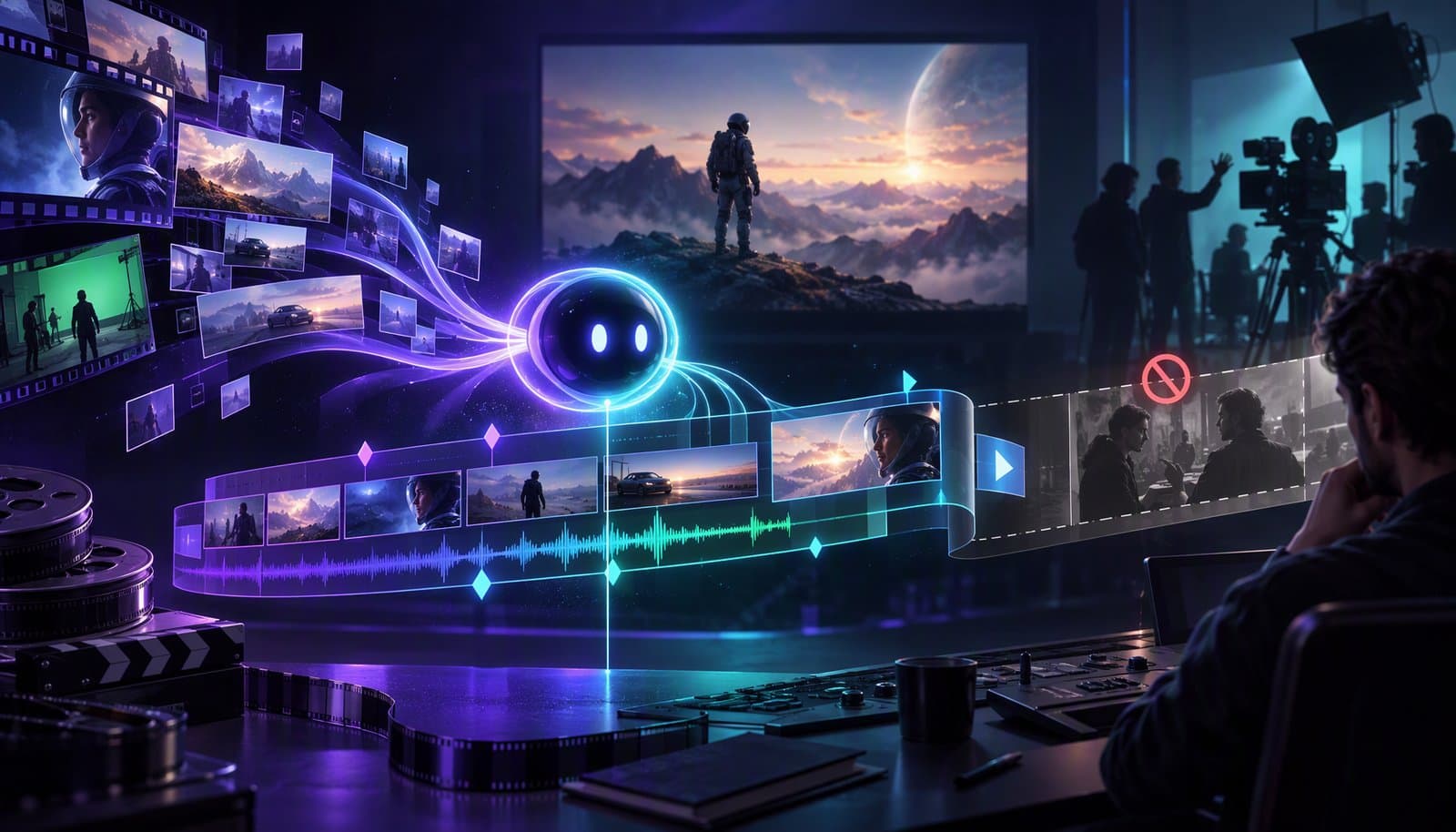
AI movie editing today means AI-assisted tasks inside the post-production pipeline: logging, scene detection, rough assembly, dialogue cleanup, color matching, VFX cleanup, subtitles, and deliverables. It does not mean a system can watch dailies, understand performance, solve story rhythm, and finish a feature without human editorial judgment.
That distinction matters. Search results for “AI movie editor” mix serious post-production tools with hype about one-click films. This guide keeps the film angle honest: where AI helps editors now, where it does not, and what indie filmmakers, documentary teams, and marketing editors can use today. For the broader debate, see will AI replace video editors and can AI edit videos.
What is AI movie editing?
AI movie editing is the use of machine learning and language models to accelerate post-production tasks around footage organization, transcript search, rough cuts, cleanup, finishing support, and distribution. In practice, it is less “AI directs the movie” and more “AI removes friction from the editor's day.”
A film editor still makes the core decisions: which performance matters, when a silence is powerful, whether a scene should breathe or compress, what information the audience needs, and how the cut serves the story. AI can surface options faster. It can transcribe, group, label, stabilize, denoise, match, and suggest. It cannot own taste or responsibility.
The best mental model is assistive post-production. AI sits beside the NLE, transcript, sound tools, color tools, and VFX cleanup, then speeds up narrow jobs that used to require repetitive human labor.
Where AI is actually used in film post-production
AI is already part of post-production, but usually inside specific features rather than as a replacement editor. The common pattern is analysis first, automation second, human review always.
| Stage | Task | AI role today | Typical tools |
|---|---|---|---|
| Dailies and logging | Label scenes, takes, speakers, and searchable transcripts | Transcribe footage, detect scenes, group similar material, make footage searchable | Premiere text-based editing, Avid Media Composer transcript and script search workflows, Loopdesk scene detection |
| Assembly | Build selects, stringouts, and interview pulls | Turn transcript selections into rough edits and find related moments | Premiere text-based editing, Descript, Loopdesk rough cuts |
| Dialogue and audio | Clean speech, remove pauses, reduce noise | Enhance dialogue, identify filler words, smooth basic podcast or documentary edits | Adobe enhance speech tools, Descript, Loopdesk silence and filler removal |
| Color | Match shots and suggest looks | Assist with color matching, object isolation, and prompt-based look exploration | DaVinci Resolve Neural Engine, AI-assisted color tools in modern editors |
| VFX and cleanup | Remove objects, extend plates, fix distractions | Inpaint, mask, rotoscope, and generate cleanup elements under supervision | Adobe and Runway generative tools, Resolve object tools, dedicated cleanup workflows |
| Deliverables and subtitles | Captions, subtitles, versions, cutdowns | Transcribe, translate, format captions, and produce alternate aspect ratios | Loopdesk captions, SRT tools, NLE subtitle workflows |
Notice what is missing from the table: final creative authorship. AI can help a human arrive at the cut faster, but the editor is still accountable for emotion, continuity, performance, and meaning.
Can AI edit a whole movie?
No, not in the professional sense. AI can assemble footage, cut by transcript, generate temp ideas, and produce rough versions. It cannot reliably make the story decisions that define film editing: performance, rhythm, tension, point of view, omission, and audience understanding.
A movie is not only a sequence of technically correct shots. It is a chain of choices. The editor decides when to hold on an actor after the line, when to cut away before the reaction, which imperfect take carries truth, and when a scene should be confusing on purpose. Those choices depend on the script, director, performances, politics of the production, and intended audience.
AI also lacks production context. It may not know which take the director fought for, why a continuity error is acceptable, which line must stay for legal reasons, or why a scene needs to feel slow even if retention metrics would prefer speed. That is why serious AI film editing is best described as AI-assisted editing, not autonomous editing.
AI rough cuts, scene detection, and script-based assembly
Rough cuts are where AI is genuinely useful. If a project has transcripts, script notes, or clear scene boundaries, AI can help find the right material faster and create an assembly for review.
Scene detection divides footage by visual or audio changes. Video transcription turns dialogue into searchable text. Script-based assembly connects the written line to the recorded take, so an editor can search for a phrase, compare reads, and build a stringout without manually scrubbing every file.
This is especially helpful for documentaries and interviews. A doc editor can search for every answer about a theme, build selects from transcript highlights, and then refine the structure in the timeline. A narrative assistant editor can use transcript or script search to locate alternate deliveries. The machine speeds up finding; the human still decides what belongs.
The same logic applies to a rough cut. AI can generate a first assembly from selected transcript ranges, scene order, or instructions. That rough cut is a starting point, not a locked edit. It is valuable because it gets material onto the timeline sooner.
AI in dialogue editing and sound
Dialogue editing is one of the clearest AI wins, especially for interview-heavy projects. Speech enhancement, noise reduction, silence trimming, filler-word detection, and transcript editing all reduce repetitive cleanup before the creative sound pass begins.
For film, restraint matters. Removing every breath can damage performance. Over-cleaning production audio can create watery artifacts. AI can identify problems and make a first pass, but a human editor or sound professional should decide what supports the scene.
For documentaries, podcasts, and behind-the-scenes marketing cutdowns, the tolerance is different. Removing long pauses, tightening answers, and cleaning room noise can make material usable quickly. That is where tools like Descript and Loopdesk fit well: transcript-first or instruction-first editing for spoken footage.
AI in color and VFX cleanup
AI is useful in color and VFX cleanup, but it is not a substitute for cinema-grade finishing. It can match shots, isolate subjects, remove objects, track masks, and explore looks. A colorist still shapes contrast, skin tone, continuity, mood, and delivery requirements.
DaVinci Resolve's Neural Engine is the best-known example in color-adjacent professional work, especially for features that assist tracking, isolation, and matching. Premiere and other editors also keep adding AI-assisted cleanup and enhancement. Generative tools can remove distractions or fill missing areas, but every result needs review for artifacts, continuity, and rights.
For a deeper tooling view, see the guide to AI video inpainting tools and the broader explainer on color grading. Inpainting can save a shot from a boom shadow or background distraction. It should not be treated as permission to skip production design, clearance, or VFX supervision.
What indie filmmakers and documentary editors can use today
Indie filmmakers and documentary editors can get real value from AI now if they apply it to the right jobs: transcript-based assembly, interview cleanup, subtitles, dailies organization, and marketing cutdowns.
Full disclosure: Loopdesk is our product, so read this section accordingly - we are not claiming it replaces Avid, Premiere, Resolve, or a finishing house.
Loopdesk is strongest for documentary, interview-heavy, educational, and marketing workflows. You can ask Loopdesk's AI agent, Aura, to find all answers about a theme, build a rough assembly, remove silences, clean filler words, add captions, and create vertical marketing cutdowns. It runs in the browser and keeps the timeline editable for frame-level fixes.
The captions angle matters more than many filmmakers expect. Festivals, educational platforms, distributors, and global marketing teams often need subtitle versions. Loopdesk supports captions in 108 languages, including RTL, and exports files that can move through a post-production workflow. The AI captions guide covers that in detail.
Batch work is another practical use. If you have hours of interviews or dailies, AI can transcribe, detect scenes, and organize material while the editor focuses on structure. If you need trailers, socials, and campaign assets, AI can help create cutdowns from the finished or near-finished material. It is not feature finishing; it is leverage around the edges of the film.
For professional editor comparisons, see best AI video editors for professionals and the AI video editing trends overview.
Ethics, labor, and consent
AI in film post-production raises real labor and consent questions. Editors, assistant editors, sound teams, VFX artists, actors, and writers all have legitimate concerns about credit, compensation, training data, and generative likeness.
The safest production policy is explicit consent and clear boundaries. Use AI to speed logging, search, cleanup, captions, and internal rough work. Be careful with tools that generate faces, voices, performances, or likenesses. Track what was used, who approved it, and whether the deliverable creates rights or guild issues.
Neutrality does not mean ignoring the concern. AI can remove drudgery and also shift labor. Productions should define what AI is allowed to do before post begins, not after a dispute appears.
Frequently Asked Questions
Can AI edit a movie?
AI can assist with rough assemblies, transcript edits, scene detection, dialogue cleanup, captions, and cutdowns. It cannot reliably make the creative story decisions that define a finished movie. A human editor still leads performance, rhythm, meaning, and final judgment.
Do Hollywood editors use AI?
Professional editors use AI-assisted features inside tools like Premiere Pro, DaVinci Resolve, Avid workflows, and specialized audio or VFX tools. Usage varies by project, studio policy, and union guidance. It is usually task support, not autonomous movie editing.
What AI tools are used in film editing?
Common examples include DaVinci Resolve Neural Engine, Premiere Pro text-based editing, Avid script and transcript search workflows, Descript for dialogue editing, Runway or Adobe generative tools for cleanup, and caption or transcription tools for deliverables.
Will AI replace film editors?
AI is unlikely to replace film editors in serious narrative work because editing is story judgment, not just cutting. It will replace some repetitive tasks, change assistant workflows, and raise expectations for speed. Editors who use AI well may gain leverage.
Is AI used for color grading in movies?
Yes, but usually as assistance. AI can help with shot matching, masks, tracking, object isolation, and look exploration. Final color decisions still require a colorist's taste, scene context, skin-tone judgment, continuity, and delivery knowledge.
Can I use AI to edit a short film?
Yes. Use AI for transcription, selects, rough cuts, dialogue cleanup, captions, and promotional cutdowns. For the final short, review every cut yourself or with an editor. AI can accelerate the process, but the story rhythm is still yours.
Use AI where it helps the post pipeline, not where it pretends to own the film. Try Loopdesk - unlimited 4K exports, no watermarks.