
Can AI Edit Videos? What AI Can (and Can't) Do in 2026
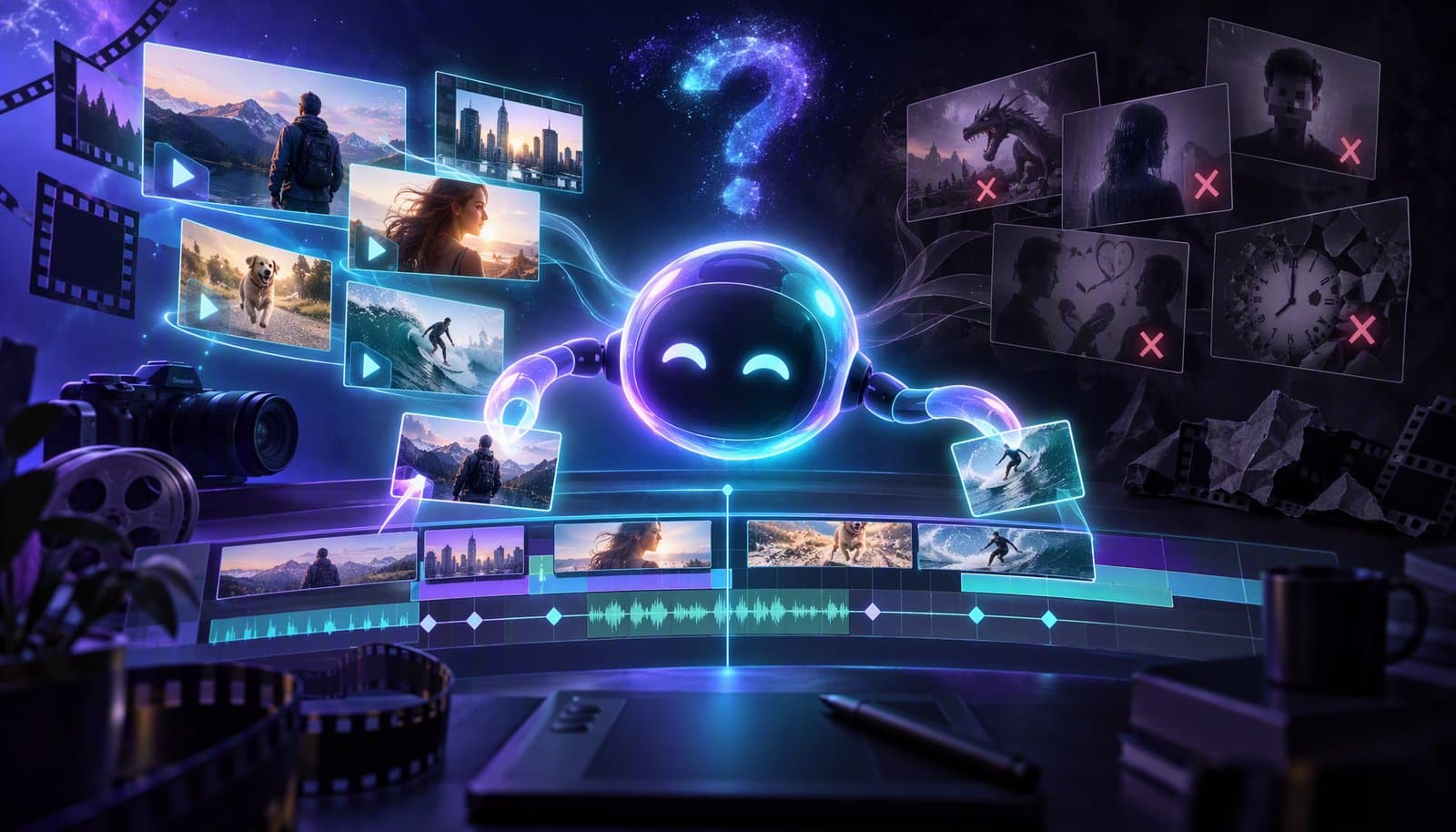
Yes. AI video editors can now cut silences and filler words, detect scenes, generate captions, reframe to vertical, pick highlight clips and batch-edit many files from a plain-English prompt. People still direct story, pacing and brand judgment; the best results come from AI doing the mechanical work and an editor reviewing it.
That's the short answer. The longer answer is more interesting, because "can AI edit videos?" really breaks down into a handful of more specific questions: what kinds of edits can it make, how good are they, what does it cost, and where does a human still need to step in. This guide answers each one directly.
Can AI Actually Edit a Video From Start to Finish?
Yes - for many common video types, AI can now take you from raw footage to a publishable edit with minimal manual work. The workflow looks like this:
- Upload your footage to a browser-based editor (no software install needed).
- Describe what you want in plain English: "cut the silences, add captions, and make a 60-second highlight for TikTok."
- Review the AI's edit on a real timeline, make any tweaks, and export.
This works especially well for talking-head content: podcasts, interviews, tutorials, course videos, and vlogs. The AI transcribes everything, understands what was said, and edits based on the content - not just the waveform. Loopdesk users routinely go from raw footage to a final cut in about 10 minutes this way.
For heavily stylized content - music videos, narrative films, complex VFX sequences - AI handles the mechanical parts (sync, rough cuts, color matching) while a human drives the creative decisions.
What Editing Tasks Can AI Do Well in 2026?
AI is genuinely strong at the repetitive, time-consuming tasks that eat most of an editor's day:
- Silence removal and filler word removal. AI detects pauses, "ums," and "uhs" from the transcript and cuts them automatically - the single biggest time-saver for talking content.
- Captions and subtitles. Modern AI transcription is fast and accurate across 100+ languages (Loopdesk captions in 108), with styled, animated captions generated in seconds. See our complete guide to AI captions.
- Scene detection and multicam switching. AI segments footage into scenes for chapters and highlight picks, and in multi-camera recordings it can switch angles automatically based on who is speaking.
- Highlight detection and clipping. AI reads the transcript of a long video and pulls out the most engaging moments as short clips - ideal for repurposing long-form video into Shorts, Reels, and TikToks.
- Reframing and resizing. AI keeps the speaker centered while converting 16:9 footage to 9:16 or 1:1 for different platforms.
- Rough cuts from a prompt. Agentic editors can assemble a first cut from your description - "make a 3-minute version focused on the pricing discussion" - because they understand the content semantically.
- Batch editing. The newest capability: applying one instruction across an entire library. Tools with agentic workflows can edit 50 videos at once - same intro trim, same captions, same export settings, every video.
What Can't AI Do When Editing Videos?
AI can't decide what your video should say, and it can't exercise taste. Specifically, humans still own:
- Story and structure. Which argument comes first, what gets cut for pacing, where the emotional beat lands - AI can propose, but a human should decide.
- Brand judgment. Whether an edit "feels like you" is not something a model can verify.
- High-stakes accuracy. Legal, medical, and news content needs human review before publishing, even if AI did the mechanical edit.
- Truly novel creative choices. AI is trained on what exists; a genuinely new visual style still comes from a person.
This is why the honest framing for 2026 is not "AI replaces editors" but "AI compresses the mechanical 80% so humans can focus on the creative 20%." We cover the jobs question in depth in Will AI Replace Video Editors?
How Good Are AI Video Edits, Really?
For transcript-driven content, AI edits are publishable with light review. In Loopdesk's study of 250 podcasters and creators, creators using agentic AI workflows produced 3-5x more content in about one-fifth the editing time, while maintaining or improving engagement - because every clip was selected for resonance rather than convenience. The full numbers are on our research page.
Quality depends on three things:
- Your footage. Clean audio dramatically improves transcription, and good transcription drives everything else.
- The tool's model quality. Editors that understand content semantically (agentic editors) produce noticeably better cuts than tools doing waveform tricks.
- Your instructions. "Make it better" gets mediocre results; "cut tangents, keep the story about the first client, end on the pricing tip" gets great ones.
AI vs Manual Video Editing: Speed, Cost, and Quality
Here is how AI editing compares with editing by hand for a typical talking-head video, such as a podcast episode, tutorial, or interview.
| Factor | AI video editing | Manual video editing |
|---|---|---|
| Speed | Minutes for silence removal, captions, and a rough cut; about one-fifth the editing time in Loopdesk's 250-creator study | Hours per finished video, most of it on mechanical cuts and captions |
| Cost | Flat subscription (Loopdesk from $15/mo billed annually) or credit-based pricing | Editor time or freelancer fees for every video |
| Output volume | 3-5x more content from the same recordings in the same study | Limited by editing hours available |
| Captions | Generated automatically (108 languages in Loopdesk), then reviewed | Typed or corrected line by line |
| Consistency | Same trims, captions, and export settings applied across a whole batch | Varies with editor and deadline |
| Creative quality | Strong on transcript-driven content; needs direction for story and style | Best for story, pacing, and novel creative choices |
| Best for | Podcasts, tutorials, interviews, repurposing, batch jobs | Films, music videos, heavy VFX, brand-defining pieces |
The practical answer is to combine them: let AI do the mechanical pass, then spend your manual time on the decisions that shape the story.
Can AI Edit Videos for Free?
Some tools offer free tiers, but they typically watermark exports, cap resolution, or limit minutes - fine for testing, limiting for publishing. Professional AI editors are subscription-based: Loopdesk starts at $15/month billed annually (Creator Lite) with unlimited 4K exports and no watermarks on any plan. When comparing costs, watch for credit systems that charge per export or per AI action - a flat subscription is easier to budget if you publish regularly. Our best AI video editing tools guide compares pricing models across ten tools.
Can AI Edit Videos in My Browser, Without Downloads?
Yes. Browser-based AI editors run entirely in the cloud - upload, edit, and export from any laptop with a modern browser, no installs and no GPU required. Rendering happens on cloud infrastructure, so even 4K exports work from a browser tab. This also means your projects live in one place, which is what makes batch and team workflows possible.
How Do I Start Editing Videos With AI?
The fastest path:
- Pick a talking-head video you've already recorded - a podcast episode, tutorial, or meeting recording.
- Upload it to Loopdesk and let it transcribe.
- Type one instruction: "Remove silences and filler words, add captions, and give me three vertical clips of the best moments."
- Review and export. Tweak anything on the timeline, then download in up to 4K with no watermark.
If you're brand new to the space, start with our beginner's guide to AI video editing or the lesson-by-lesson learn AI video editing course, then graduate to agentic editing when you want the AI to handle multi-step jobs on its own. Choosing a tool? Our 12 best AI video editing tools roundup ranks the options.
The Bottom Line
Can AI edit videos? Yes - convincingly, for the content most creators actually make. It handles cuts, captions, silences, reframing, highlights, and batch jobs with publishable quality, at a fraction of the time manual editing takes. It doesn't replace your creative direction; it removes the grind between your idea and the finished video.
Loopdesk is the agentic AI video editor that edits from plain-English instructions. Try Loopdesk - browser-based, no watermarks, unlimited 4K exports.