
AI Video Editing: What It Is & How It Works (2026 Guide)
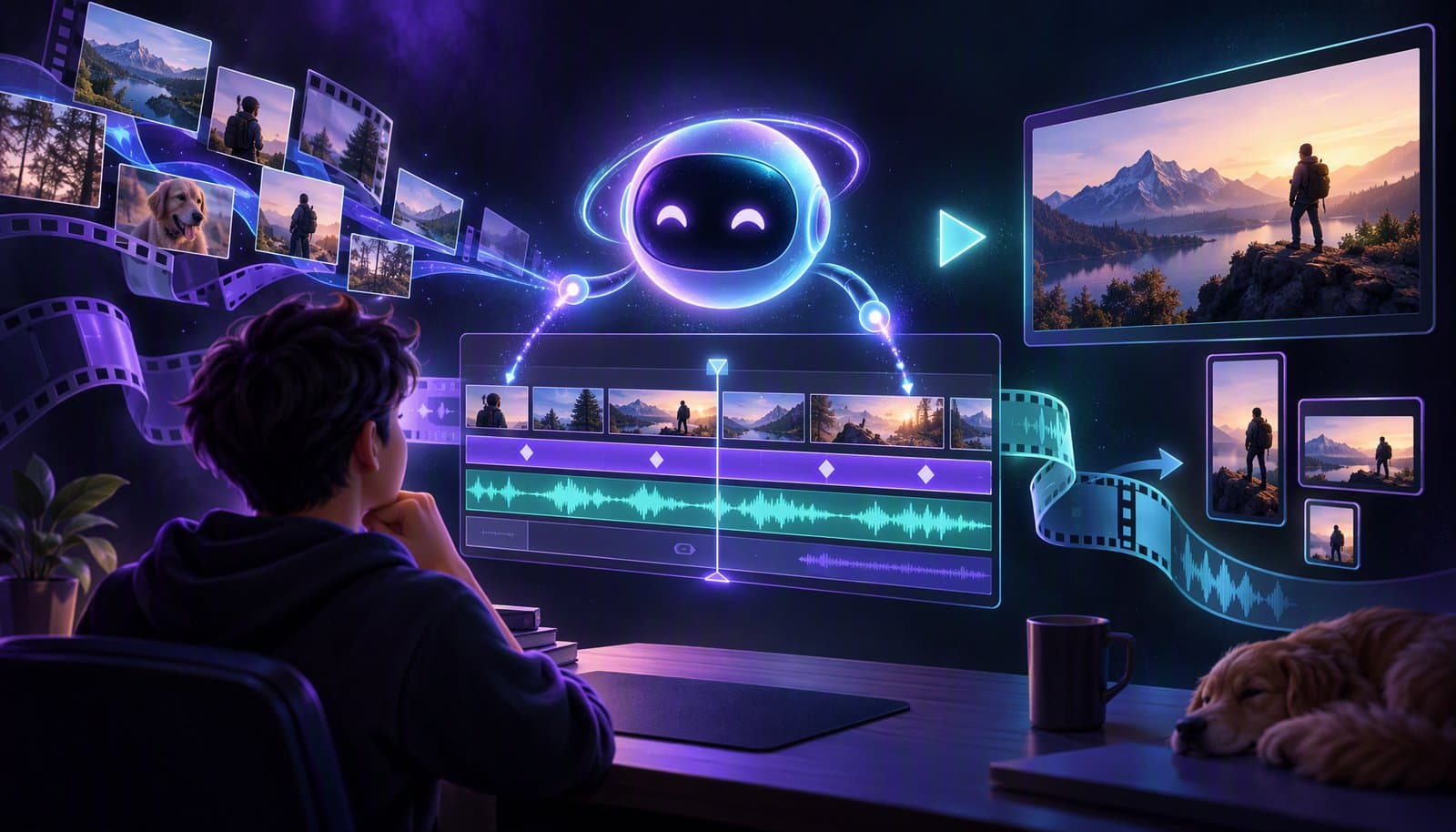
AI video editing is the use of artificial intelligence to automate the work of video post-production: cutting, captioning, color grading, reframing, and clip selection, either from a simple text prompt or automatically. Instead of manually scrubbing a timeline, you describe the result you want and the AI produces the edit in seconds.
That's the short answer. This guide is the long one. It's a beginner-friendly introduction to AI video editing in 2026: what it is, how it actually works under the hood, what it can and can't do, and how to make your first AI-edited video today. Keep our video editing terms and keywords glossary open if you meet unfamiliar language along the way.
What Is AI Video Editing?
AI video editing is a category of software that uses machine learning models (speech recognition, computer vision, and large language models) to understand your footage and do editing tasks that used to require hours of manual work.
Here's the simplest way to think about it. A traditional editor gives you tools: a timeline, a razor blade, keyframes. An AI video editor gives you outcomes: a clean rough cut, finished captions, a highlight reel, a vertical clip for TikTok. The difference is who does the labor. You, or the software.
In 2026 the category covers a pretty wide spectrum:
- Assistive AI features inside traditional editors, like auto-transcription in Premiere Pro or voice isolation in DaVinci Resolve
- Template-driven AI apps that auto-generate videos from scripts or articles
- Agentic AI editors like Loopdesk that carry out multi-step editing workflows from natural language instructions
How Does AI Video Editing Work?
Under the hood, most AI video editors run your footage through a pipeline of specialized models. It's worth understanding this pipeline, because it explains both the magic and the limits:
| Stage | What the AI Does | Key Technology |
|---|---|---|
| 1. Transcription | Converts every spoken word into time-coded text | Speech-to-text (ASR) |
| 2. Visual analysis | Identifies faces, objects, scenes, and camera changes | Visual understanding, scene detection |
| 3. Content understanding | Works out what kind of video this is and where the interesting moments are | Content-type detection, LLMs |
| 4. Edit planning | Translates your instruction ("remove silences, add captions") into a sequence of editing operations | Natural language processing |
| 5. Execution | Applies cuts, captions, reframes, and effects to the timeline | Automated editing |
Because the AI holds a transcript and a visual map of your footage, it can do things timeline software fundamentally can't. It can find every moment where a speaker mentions a topic. It can tell which of three cameras should be live when two people talk over each other. It knows where the sentence ends.
What Can AI Video Editing Do in 2026?
These capabilities are mainstream today, not demos:
- Instant rough cuts. Upload raw footage, get a watchable rough cut with the dead air already gone.
- Silence removal and filler word removal. Every "um," "uh," and awkward pause, cut automatically.
- Auto captions. Word-accurate, styled subtitles in dozens of languages. Loopdesk supports 108.
- Highlight clip generation. The AI finds the most engaging 30-60 second moments in a long recording.
- Aspect ratio reframing. One 16:9 master becomes 9:16 Shorts and 1:1 feed posts, with the subject kept in frame.
- Speaker detection. Automatic camera switching when several people are talking.
- Text-based editing. Delete a sentence from the transcript and the cut happens on the timeline.
- Generative fill. AI-made B-roll, music, and sound effects when you ask for them.
And what does AI still do badly? Original creative judgment across a long narrative arc. Brand taste. Knowing your audience. That work is still yours, and honestly, that's the fun part. The best workflows pair a human director with an AI editor.
Can AI Edit Videos?
Yes. AI can turn raw footage into a usable first cut, remove silences and filler words, generate captions, reframe horizontal video for vertical platforms, select highlights, and export finished versions. An agentic editor can chain those tasks together from one instruction instead of making you run each feature separately.
For high-volume work, batch video editing applies the same direction across dozens of files at once. Human review still matters for story, taste, factual accuracy, and the final creative decisions.
Assistive AI vs Agentic AI: What's the Difference?
If you only take one distinction away from this guide, take this one, because it's the difference that matters most when you pick a tool in 2026.
Assistive AI waits for you to click. It transcribes when asked, suggests a cut, offers a template. You still operate the timeline. The AI just speeds up individual tasks.
Agentic AI executes. You write "remove the silences, caption it in the bold yellow style, and give me three vertical clips of the best moments" and the agent plans and performs every step, end to end. You review the result and give notes, like a director working with an editor.
A useful shorthand: assistive AI is autocomplete, agentic editing is autopilot. If you've watched developers move from code suggestions to AI agents that build whole features, video editing is on the same curve, running about two years behind.
Traditional Editing vs AI Editing: A Realistic Comparison
Take a 30-minute talking-head video, say a podcast episode, tutorial, or interview:
| Task | Traditional Editor | AI Editor |
|---|---|---|
| Import + organize footage | 15-30 min | Automatic |
| Rough cut (silences, fillers, retakes) | 60-120 min | 2-5 min |
| Captions | 45-90 min (or a paid service) | 2-3 min |
| Color + audio pass | 20-40 min | 1 click |
| 3 vertical clips for social | 45-60 min | 3-5 min |
| Total | 3-6 hours | 15-30 minutes |
The time saving isn't hypothetical. When we interviewed 250 podcasters, the creators who moved from manual editing to an agentic workflow were producing 3-5x more content in roughly a fifth of the editing time.
Is AI Video Editing Good for Beginners?
AI video editing is especially useful for beginners because it replaces many technical timeline operations with plain-language direction. You can start by asking for a simple outcome, inspect every proposed change, and learn editing concepts from the result without mastering hundreds of controls first.
The best beginner workflow keeps edits reversible and leaves the creator in control. Start with one real video and one instruction, then add captions, highlights, and platform versions only after the first cut looks right.
Best AI Tools for Video Editing (2026)
The best AI tools for video editing in 2026 split into three species: editors that improve footage you shot (Loopdesk, Descript, CapCut, DaVinci Resolve), generators that create footage from text (Runway), and repurposers that mine long video for clips (Opus Clip). Pick by the job, not the feature count.
| Tool | Best for | AI approach | Free tier | Watermark-free export |
|---|---|---|---|---|
| Loopdesk | Agentic end-to-end editing in the browser | AI agent executes full workflows from a prompt | No free plan | Every plan, up to 4K |
| Descript | Podcast and text-based editing | Edit video by editing the transcript | Yes | Paid tiers |
| CapCut | Free short-form social editing | Templates plus assistive AI features | Yes | Mostly; some features and exports gated |
| Runway | Generative video and VFX | Text-to-video generation and AI effects | Free trial | Paid plans |
| Opus Clip | Auto-clipping long video into shorts | Highlight detection and virality scoring | Yes | Paid plans |
| DaVinci Resolve | Pro color and finishing with AI assists | Neural Engine features inside a pro suite | Yes (full free version) | Free and Studio |
Free-tier and export policies change often, so verify before you commit. The 12 best AI video editing tools roundup scores all twelve on the same three jobs, and the AI video editor pricing comparison covers the hidden costs behind the entry prices. If you edit mostly on a phone, start with the best AI video editing apps for iPhone and Android.
How to Get Started with AI Video Editing
You don't need new hardware, plugins, or a course. Here's the path we'd suggest to any beginner:
- Pick a browser-based AI editor. A browser-based editor means nothing to install and no GPU requirements. Loopdesk runs in any modern browser.
- Upload one real video. Use actual footage: a podcast episode, a Zoom recording, a phone video. AI editors shine on real, imperfect material.
- Start with one prompt. Try "remove all silences and filler words" and watch what happens to the timeline.
- Add captions. One more prompt, "add captions," then check the accuracy against your audio.
- Ask for highlights. "Create 3 vertical clips of the best moments" is the fastest way to feel the difference between assistive and agentic tools.
- Review like a director. Fix what the AI got wrong with follow-up prompts instead of manual timeline surgery.
Most beginners publish their first AI-edited video within an hour. Compare that to the weeks of tutorials Premiere Pro or DaVinci Resolve expect from you before you're productive.
Common Myths About AI Video Editing
"AI editing means generic, template-looking videos." Template apps produce template videos. Agentic editors work on your footage following your instructions. The output is your video, just edited faster.
"It's only for short-form content." The biggest time savings are actually in long-form: podcasts, webinars, courses, and interviews, where silence removal and multicam switching eat entire evenings.
"You lose creative control." You trade mechanical control (dragging clips) for directorial control (describing intent). Every AI edit stays reviewable and reversible on the timeline.
"Good results need expensive hardware." Modern AI editors process in the cloud or via WebGPU right in the browser. A Chromebook works fine.
Frequently Asked Questions
Is AI video editing free?
Several AI editors have genuinely usable free tiers, including CapCut and DaVinci Resolve. Loopdesk uses paid Creator plans with monthly AI credits, captions in 108 languages, unlimited 4K exports in the browser, and no watermark. Our 12-tool comparison maps the trade-offs.
Do I need editing experience to use an AI video editor?
No. If you can describe what you want in a sentence, you can edit with an agentic AI editor. Editing experience helps you give better direction, but it's not a prerequisite.
Will AI replace human video editors?
AI is replacing the mechanical parts of editing, not the creative ones. Editors are becoming directors of AI systems. We dug into the data in Will AI Replace Video Editors?
What's the best AI video editor for beginners?
For a first AI editing experience, pick a tool that's browser-based (no install), prompt-driven (no timeline skills needed), and transparent about usage costs. Loopdesk was built around the first two criteria, with paid plans and published AI-credit allowances. Our 12-tool comparison maps the full landscape if you want to shop around.
Ready to try it yourself? Edit your first video with Loopdesk. Browser-based, no watermark, no experience required.