
6 Best AI Podcast Clip Generators in 2026 (Compared)
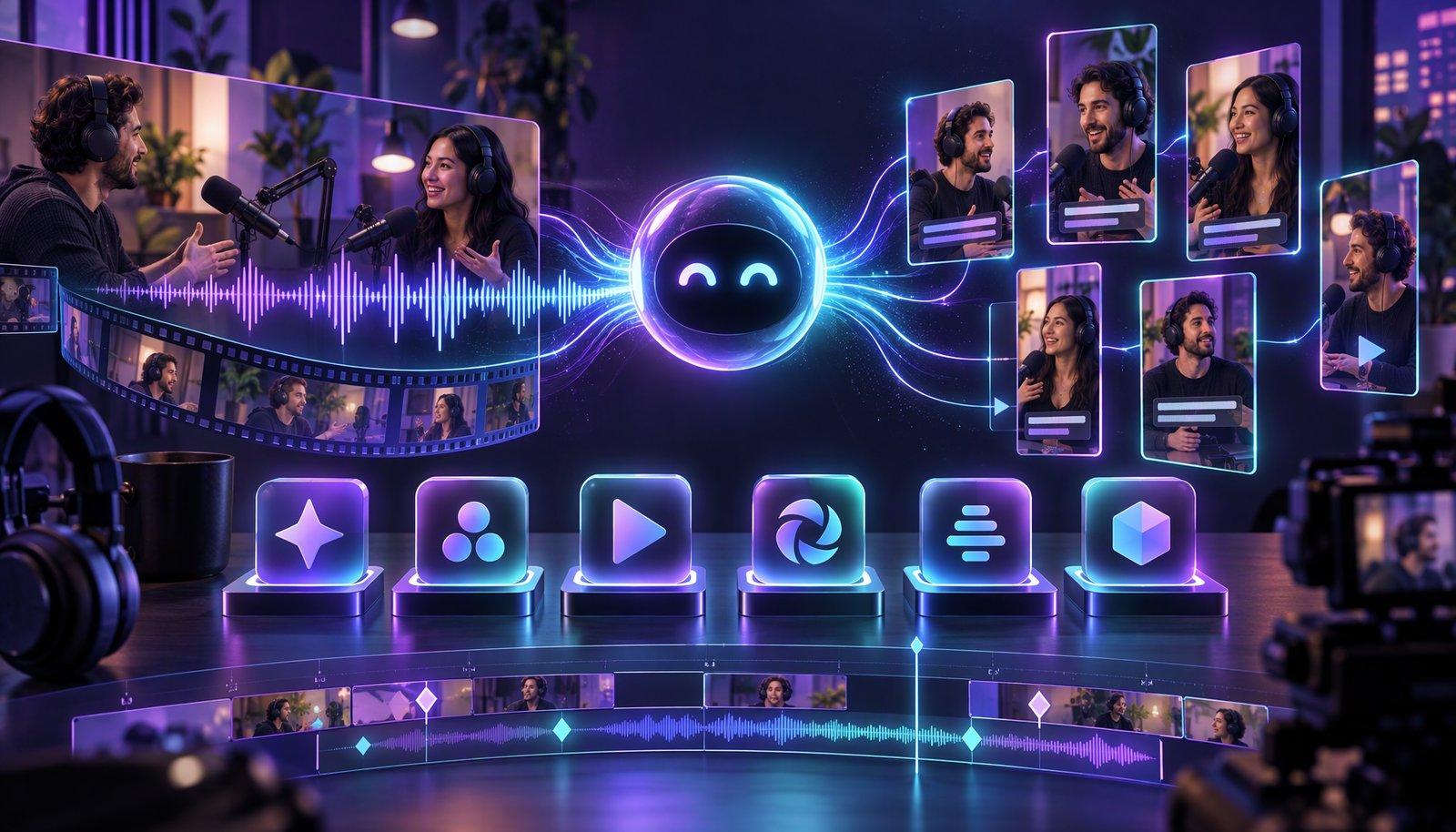
An AI podcast clip generator finds the strongest moments in a long episode, cuts them into short clips, reframes them to vertical around the active speaker and adds captions. The six compared here are Opus Clip, Riverside, Descript, Loopdesk, Vizard and Headliner. For video podcasts, compare speaker tracking and multicam switching; for audio-only shows, pick a tool that adds a background image or audiogram, such as Riverside or Headliner.
This comparison is for podcasters who want to create podcast clips with AI for Shorts, Reels and TikTok without scrubbing through every episode. It covers what each vendor documents, not how good the clips look. For tools beyond podcasting, see the best AI clipping tools.
Facts checked November 13, 2026 against each vendor's pricing, product and help-center pages. Plans, credits and beta features change often, so confirm before you pay. Full disclosure: Loopdesk is our product; it appears as entry 4 and in its own section, with its limits stated.
What should a podcast clip generator do?
A podcast clip generator should find moments that stand alone, keep the person talking in frame, caption every word and export a vertical file. With one camera per person it should also switch angles by speaker, and with no video it has to supply the picture.
| What to check | What to look for (podcast to Shorts) |
|---|---|
| Speaker tracking | Speaker detection that keeps the 9:16 crop on whoever is talking |
| Multicam | Separate camera tracks switched by speaker; see automatic multicam tools |
| Captions | Your show's language on the supported list, and names you can fix before export |
| Vertical reframing | 9:16 output, plus 1:1 or 16:9 for other feeds |
| Audio-only support | A background image, waveform or audiogram |
| Batch | One setup applied across many episodes |
What is the best AI podcast clip generator?
There is no single best AI podcast clip generator; it depends on what you record. Opus Clip is the most fully documented one-click clipper, Riverside suits remote recording, Descript suits multicam shows edited by transcript, Loopdesk suits directing clips across a back catalog, Vizard keeps the cost per minute low and Headliner covers audio-only shows.
The order is an editorial judgment from vendor documentation, not a test result.
1. Opus Clip: best for one-click clips from a link
Opus Clip (the company writes OpusClip) takes a file of up to 10 GB and 10 hours, or a link from YouTube, Zoom, Riverside or Apple Podcast. Auto Reframe "tracks moving and active speakers", and the help center lists 25 languages, 20 in beta. Free: 60 credits a month (one per minute of source video), watermarked, no editing. Starter is $15 a month, monthly billing only; Pro is $29, or $14.50 billed annually. Limits: multicam is not documented, and its pages disagree on whether 4K export starts at Pro or Business. See Opus Clip alternatives.
2. Riverside: best if you record remotely
Riverside records each participant on separate audio and video tracks, and Magic Clips "identifies the highlights from your audio or video recordings or uploaded files using AI" on every plan. Smart layouts "identifies the main speaker, based on speech and head nods". Transcription covers 100+ languages. Free: Magic Clips at up to 720p with a watermark. Pro is $29 a month, or $24 billed annually, with up to 4K. Limit: an uploaded single-file video is split by speaker only if the layout is fixed, the group stays the same and nobody shares a screen.
3. Descript: best for multicam shows you edit by transcript
Descript's Create clips tool "uses AI to scan your composition and pull out short, self-contained cuts": you pick 1 to 20 clips, a length from 10 seconds to 5 minutes, a 9:16 or 1:1 layout and an optional topic. Automatic Multicam "detects who's speaking and cuts to the right camera", and Rooms records remote guests. Transcription covers 26 languages. Free: 60 media minutes a month, 720p, watermarked. Hobbyist is $24 a month, or $16 billed annually, with 1080p; 4K needs Creator. Limit: Center active speaker is in beta, and its crops "don't continuously track a moving speaker".
4. Loopdesk: best for directing clips across a back catalog
Full disclosure: Loopdesk is our product. It is an agentic AI video editor: tell Aura, its AI agent, which moments you want in plain English, then adjust the highlight clips on a timeline. It lists speaker detection, multicam switching, 9:16 reframing with the speaker centered, captions in 108 languages and one instruction applied across 50+ videos. Exports are 1080p or 4K with no watermark on every plan. Limits: no free plan and no free trial (Creator Lite is $19 a month, or $15 billed annually, with metered AI credits), browser only, and no audiograms.
5. Vizard: best for a low cost per minute
Vizard takes an uploaded file or a YouTube link and says "we use text to attract highlights from videos". Its help center says that with two people of similar size the AI "can misidentify who the main speaker is". It lists 40 transcription languages. Free: 60 credits a month, 720p, watermarked. Vizard's comparison page puts Creator at $14.50 a month on yearly billing for 600 credits, one per minute of video, with 4K export; the monthly-billing price did not load for our checker. Limit: two help articles conflict on whether audio files upload.
6. Headliner: best for audio-only shows and a free start
Headliner makes both video clips and audiograms. Paste a YouTube link, upload an MP4 or MOV, or connect Google Drive or Zoom, and it "automatically clips the best moments", up to 10 per upload. Its video page says the AI "automatically detects the active speaker and reframes your video", and transcription supports "over 100+ languages". Free: video clipping and captioning on any account while in beta, plus unlimited watermarked audiograms. Basic is $9.99 a month (shown as reduced from $14.99), or $7.99 billed annually. Limits: multicam is not documented and the free tier is ad-supported.
The best AI podcast clippers compared (November 2026)
All six on the same documented criteria; "Not stated" means the vendor's pages did not say.
| Tool | Input | Speaker tracking or multicam | Caption or transcription languages | Free plan and watermark | Cheapest paid plan (US$) | Export resolution |
|---|---|---|---|---|---|---|
| Opus Clip | File or link (YouTube, Zoom, Riverside, Apple Podcast) | Active-speaker reframing; multicam: Not stated | 25, 20 in beta | 60 credits/mo; watermark | Starter $15/mo, monthly only | 1080p Free; 4K: pages conflict |
| Riverside | Remote recording; video or audio upload | Smart layouts follow the main speaker | 100+ | Magic Clips; 720p; watermark | Pro $29/mo ($24 billed annually) | Up to 4K on Pro |
| Descript | Upload; remote recording (Rooms) | Automatic Multicam; Center active speaker (beta) | 26 | 60 media minutes/mo; 720p; watermark | Hobbyist $24/mo ($16 billed annually) | 1080p Hobbyist; 4K Creator |
| Loopdesk (our product) | Video or audio file; Google Drive, Dropbox | Speaker detection; multicam switching | 108 | No free plan or trial; no watermark | Creator Lite $19/mo ($15 billed annually) | 1080p and 4K, every plan |
| Vizard | File or YouTube link; audio: pages conflict | Active-speaker framing; multicam: Not stated | 40 | 60 credits/mo; 720p; watermark | Creator $14.50/mo billed yearly; monthly not confirmed | 720p Free; 4K paid |
| Headliner | YouTube link, MP4 or MOV, Drive, Zoom; audio files | Active-speaker reframing; multicam: Not stated | 100+ | Video clips free in beta; 1 unwatermarked audiogram/mo | Basic $9.99/mo ($7.99 billed annually) | 1080p |
Is there a free AI podcast clip maker?
Yes. Headliner's video clipping and captioning are free on any account while in beta, Riverside's Free plan includes Magic Clips, and Opus Clip and Vizard each give 60 free credits a month. The catch is the output: free clips are usually watermarked, capped at 720p or exportable for only three days. Loopdesk has no free plan.
Opus Clip's Free plan lists "No editing" and hides the Virality Score, and Riverside's adds a "Riverside watermark on all your things". Headliner's video page offers "watermark-free videos for free", but its pricing page allows one unwatermarked audiogram a month. If watermarks are the deal-breaker, compare free AI video editors with no watermark.
How do AI clippers pick the best moments?
Vendors say more about how clips are scored than about how they are chosen. Vizard says it uses text to find highlights, and Riverside creates Magic Clips automatically for content longer than 3 minutes that has a transcript. Three tools publish how they score, and one says plainly that a high score is no guarantee.
- Opus Clip scores clips 0 to 99 on Hook, Flow, Value and Trend (Starter and Pro only).
- Riverside ranks clips from 99 to 70; the score "reflects how engaging or relevant the clip is compared to others in the same batch".
- Headliner grades clips A to F across six categories: Hook, Feeling, Reach, Detail, Clarity and Flow.
- Descript and Loopdesk (our product) take direction: Descript's Create clips accepts "a topic, goal, or criteria", and Loopdesk a plain-English instruction.
Asked "Does a high score guarantee a clip will perform?", Headliner answers "No". AI virality scores explained covers why a score ranks clips and does not forecast views.
Can AI clip an audio-only podcast?
Yes, if the tool supplies the picture. Riverside's Magic Clips work on audio recordings and add "a background image (for audio only)", Headliner makes audiograms, and Descript has waveform layers for audiograms. We found no audio-only output documented for Opus Clip or Vizard, and Loopdesk does not make audiograms.
An audiogram is a video built from audio. Riverside describes it as "a shareable, audio-only video" with a background, logo, captions, text or images. Headliner's Forever Free plan auto-creates audiograms for one podcast. Opus Clip accepts Apple Podcast links but does not say what an audio-only clip looks like, and Vizard's help articles disagree on audio uploads. If you wanted an AI podcast video generator because your show has no camera, start with Riverside or Headliner.
How many clips should one episode produce?
There is no authoritative number. Vendors publish what their tools generate, not what you should post: Opus Clip says a 60 to 120 minute episode typically yields 32 to 42 clips, Riverside typically finds 2 clips for every 5 minutes, Headliner makes 10 per project, and Descript lets you ask for 1 to 20.
Our rule of thumb, an opinion and not a benchmark: publish only clips that make sense to someone who has never heard the show, usually closer to 5 to 10 per hour-long interview than to 40. Loopdesk's 2026 study of 250 podcaster and creator channels found a 1.45% average engagement rate against 6-8% for top creators, a spread that argues for choosing carefully; see what those podcasters told us.
Where does Loopdesk fit?
Loopdesk (full disclosure: it is our product) fits when you want to direct the clipping in plain English instead of accepting a preset score, and when you have a back catalog to get through. It is paid only, browser only and makes no audiograms, so it is not the pick for a free start or audio-only shows.
It covers the video side of podcast editing, from speaker detection to captions in 108 languages, with one instruction applied across 50+ videos. In the same study, creators using agentic workflows produced 3-5x more content in about one-fifth of the editing time. See how to edit a video podcast and why podcasters are switching to AI video editors.
There is no free plan or free trial: pricing starts at $19 a month, or $15 billed annually, with metered AI credits. For a free start or an audiogram, use Headliner or Riverside, which also records and clips in one tool. More options: Loopdesk alternatives.
Frequently Asked Questions
What is an AI podcast clip generator?
An AI podcast clip generator finds the strongest moments in a long episode, cuts them into short clips, reframes them to vertical around the active speaker and adds captions. For video, compare speaker tracking and multicam; for audio-only shows, pick one that adds a background image or audiogram.
What is the best AI podcast clip generator?
It depends on what you record: Opus Clip for one-click clips from a link, Riverside for remote recording, Descript for multicam shows edited by transcript, Loopdesk for directing clips across a back catalog, Vizard for a low cost per minute and Headliner for audio-only shows.
Is there a free AI podcast clip maker?
Yes. As of November 2026, Headliner's video clipping is free while in beta, Riverside's Free plan includes Magic Clips, and Opus Clip and Vizard each give 60 free credits a month. Free output is usually watermarked or capped at 720p. Loopdesk has no free plan.
How do AI clippers pick the best moments?
Vendors mostly document scoring. Opus Clip rates clips 0 to 99 on Hook, Flow, Value and Trend; Riverside ranks them from 99 to 70 within a batch; Headliner grades them A to F across six categories and says a high score does not guarantee a clip will perform.
Can AI clip an audio-only podcast?
Yes, if the tool supplies the picture. Riverside's Magic Clips add a background image for audio-only recordings, Headliner makes audiograms, and Descript has waveform layers for audiograms. We found no audio-only output documented for Opus Clip or Vizard, and Loopdesk does not make audiograms.
How many clips should one episode produce?
There is no authoritative number. Opus Clip says a 60 to 120 minute episode yields 32 to 42 clips, Riverside typically finds 2 per 5 minutes and Headliner makes 10 per project. Our rule of thumb, not a benchmark: publish the 5 to 10 that make sense without context.
Have an episode waiting to be clipped? Open Loopdesk, upload it and tell Aura which moments you want as captioned 9:16 clips. Plans start at $19 a month ($15 billed annually), with no free plan or trial; exports are never watermarked.