
Best AI VFX Tools in 2026: Free Trials Compared
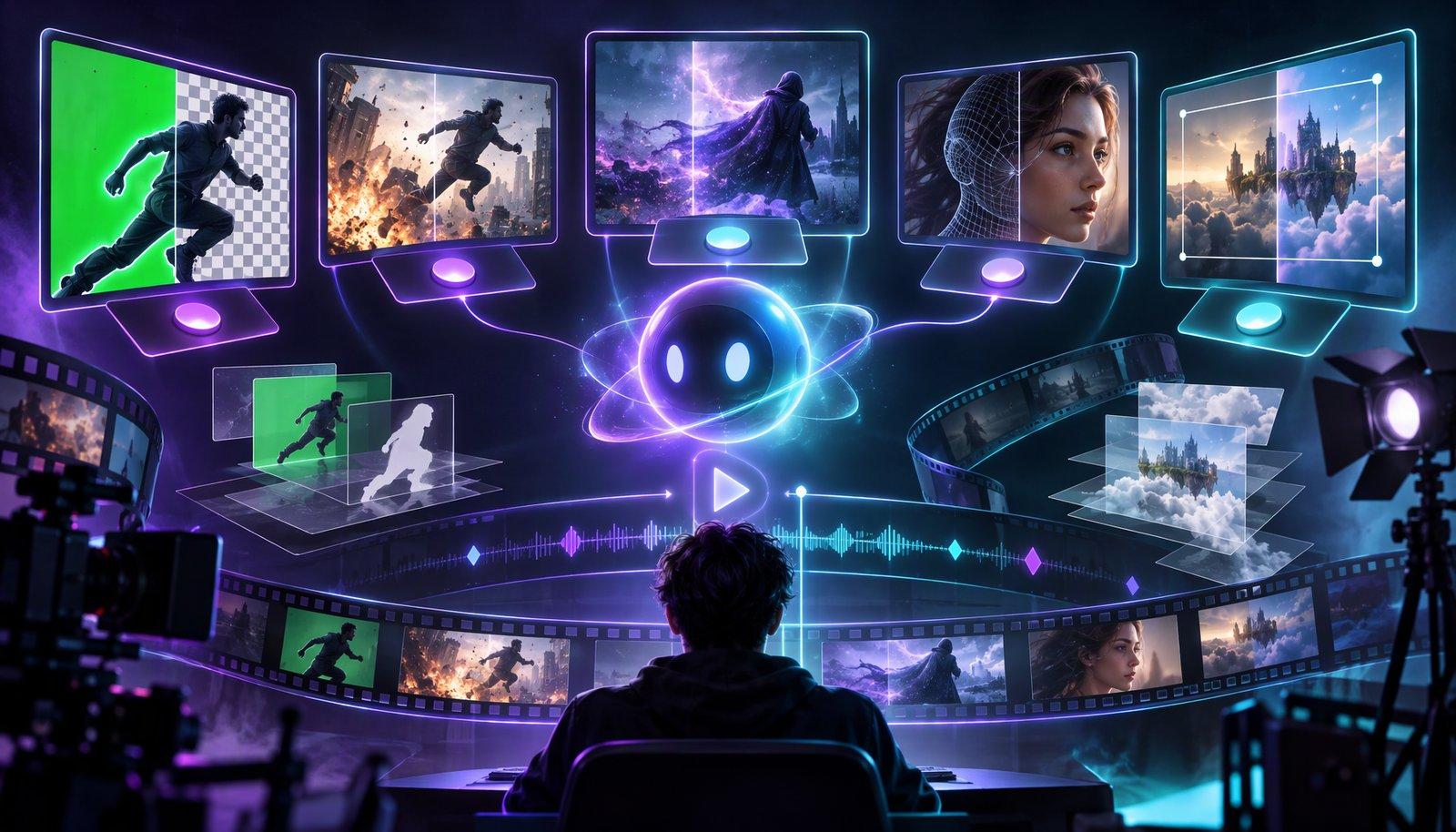
The best AI VFX tools in 2026 split between production compositors that speed up invisible cleanup and cloud generators that invent shots: DaVinci Resolve Studio ($295 once) and Adobe After Effects ($22.99/month annual) lead for AI rotoscoping and plate tracking, Boris FX Mocha Pro leads for planar masking, Runway leads for quick browser shot generation and cleanup, and Blender paired with ComfyUI is the strongest 100% free local stack.
"AI VFX" gets slapped onto everything from text-to-video toys to Academy-grade compositors. On real client timelines, visual effects work means rotoscoping hair, removing boom mics, tracking screens onto moving phones, relighting plates, and extending sets without flickering edges. Below, we separate tools that survive 4K inspection from tools meant for 5-second social inserts, and spell out what every free trial actually gives you.
Facts checked November 24, 2026 against official vendor product and pricing pages. Trial credits and seat prices change frequently. Full disclosure: Loopdesk is our product, a paid browser-based agentic AI video editor; it is not a VFX compositor, and we explain below how editors pair specialist VFX shots with Loopdesk for the full edit.
What VFX tasks can AI reliably automate in 2026?
| VFX job | How well AI handles it in 2026 | Typical time saved vs manual keyframes | Where human cleanup is still required |
|---|---|---|---|
| Subject rotoscoping and masking | Very strong (Magic Mask, Roto Brush 3, Matte Assist) | 70% to 90% faster | Motion-blurred fingers, glass reflections, smoke |
| Object, wire, and mic cleanup | Strong on steady backgrounds (Content-Aware Fill, Runway Inpainting) | 60% to 85% faster | Crossed foreground occlusion and fast handheld pans |
| Planar screen and sign replacement | Excellent (Mocha Pro neural tracking) | 50% to 80% faster | Heavy lens distortion without lens calibration |
| CG character replacement on live plates | Usable for pre-vis and indie work (Autodesk Flow Studio) | Days reduced to hours | Feature-film cloth contact shadows and eyelines |
| Generative set extension and B-roll inserts | Good for 3-to-8-second cutaways | Instant vs 3D build | Exact lens grain, color pipeline (ACES), and temporal consistency |
For wire and object removal specifically, see our dedicated roundup of the 7 best AI video inpainting tools and green screen vs AI background removal.
What are the 8 best AI VFX tools in 2026?
1. DaVinci Resolve Studio (Fusion and Neural Engine): best one-time-buy AI VFX suite
Inside DaVinci Resolve Studio ($295 one-time license for Windows, Mac, and Linux), node-based Fusion compositing meets Blackmagic's AI Neural Engine: Magic Mask isolates people, garments, or facial features in one stroke, Surface Tracker warps graphics onto rippling fabric or skin, Depth Map generates Z-depth mattes from flat 2D footage for atmospheric fog or rack focus, and Relight adds virtual directional lights in post. Free version note: DaVinci Resolve Free includes Fusion nodes, while Magic Mask, Depth Map, and Relight require Studio.
2. Adobe After Effects: best industry-standard motion and AI roto pipeline
After Effects ($22.99/month on an annual Adobe single-app plan, after a 7-day free trial) ships Roto Brush 3 for tricky hair and overlapping limbs, Content-Aware Fill for Video to paint out boom mics and logos across moving camera plates, and 3D model import alongside Premiere Pro Dynamic Link. Limit: subscription-only and RAM-hungry on long 4K comps. See Premiere Pro vs After Effects.
3. Runway: best browser AI VFX and generative video workbench
Runway runs in the browser with text-to-video and video-to-video generation, green-screen masking, object inpainting, frame interpolation, and camera motion controls. Its Free tier includes 125 one-time credits (watermarked, 720p exports) so you can test prompts before paying; Standard starts at $15/month ($12/month billed annually) with 625 monthly credits and watermark-free upscaled exports. Limit: generative credits burn quickly when iterating takes, and outputs are compressed delivery codecs rather than 16-bit EXR plates.
4. Autodesk Flow Studio (formerly Wonder Studio): best AI CG character-to-live-plate tool
Autodesk Flow Studio tracks an actor's body, hands, and facial performance from single-camera live-action footage, automatically animates, lights, and composites a 3D CG character in their place, and exports clean passes (clean plate, alpha mask, Blender/Maya/Unreal scene files) so artists can refine every keyframe. Check Autodesk's current tiered seat pricing and trial availability on its Flow Studio page. Limit: built specifically for CG character shots rather than general cleanup.
5. Boris FX Mocha Pro: best AI-assisted planar tracking and masking plugin
Used on studio features and episodic TV, Mocha Pro runs standalone or inside Premiere Pro, After Effects, DaVinci Resolve, Avid, and Nuke, pairing its legendary planar tracker with Matte Assist ML object segmentation and Clean Plate removal. Boris FX offers a free watermarked trial; paid subscriptions start around $37/month billed annually ($295 to $495/year depending on host plugin vs multi-host option). Limit: specialist tracking/roto plugin, not a standalone editor.
6. Foundry Nuke (CopyCat): best high-end studio machine-learning compositor
For professional VFX houses working in ACES and 32-bit float EXR pipelines, NukeX includes CopyCat: you paint or roto 10 to 20 hero keyframes by hand (blood hits, beauty cleanup, costume fixes, de-aging markers) and CopyCat trains a shot-specific neural network to propagate your exact work across hundreds of frames. Foundry offers Nuke Non-Commercial free for personal learning (with resolution and node limits) plus a 30-day commercial trial; full Nuke seats cost thousands per year. Limit: overkill and overpriced for solo YouTube creators.
7. Luma Dream Machine (Ray): best for quick AI camera-move and physics inserts
Luma's browser-based Dream Machine generates stylized or photorealistic cutaway shots, start-to-end keyframe transitions, and video extensions from still frames or prompts, with a limited watermarked free tier and paid plans starting around $9.99 to $29.99/month. Limit: best used for 3-to-5-second B-roll or sci-fi concepts rather than matching an existing dialogue camera lock-off.
8. Blender and ComfyUI (SAM 2 and AnimateDiff or Wan): best 100% free open-source stack
Creators with a modern NVIDIA GPU (12 GB+ VRAM recommended) combine Blender (free 3D camera tracking, Cycles/EEVEE rendering, and compositor) with ComfyUI running open-weights Segment Anything 2 (SAM 2) video masks, depth maps, and local video diffusion models with zero subscription and zero watermarks. Limit: steep node-setup curve and local GPU hardware requirement.
AI VFX software free trials and pricing compared (November 2026)
| Tool | Best VFX job | Free trial or free tier | Watermark on free tier? | Entry paid price (US$) | Pro formats (ProRes / EXR / Alpha)? |
|---|---|---|---|---|---|
| DaVinci Resolve Studio | Magic Mask, Relight, Depth Map, Fusion | Resolve Free lasts forever (lacks Neural AI tools) | No (Studio FX show watermark if unlicensed) | $295 one-time | Yes (EXR, ProRes, DNxHR) |
| Adobe After Effects | Roto Brush 3, Content-Aware Fill, motion | 7-day full free trial | No during 7-day trial | $22.99/mo (annual plan) | Yes (EXR, ProRes 4444 alpha) |
| Runway | Browser generative shots and inpainting | 125 one-time free credits | Yes on Free (720p) | $15/mo ($12/mo annual) | Paid ProRes option on upper tiers |
| Autodesk Flow Studio | 3D character mocap and plate composite | Check live trial promo | Tier-dependent | Tiered monthly/annual subscription | Yes (Blender/USD/clean plates) |
| Boris FX Mocha Pro | Planar tracking, screen inserts, ML roto | Free trial mode | Yes in trial mode | ~$37/mo billed annually | Host NLE format support |
| Foundry Nuke (CopyCat) | Shot-specific neural roto and cleanup | Free Non-Commercial edition + 30-day trial | No (1080p cap on Non-Commercial) | Enterprise studio annual license | Industry benchmark (32-bit EXR) |
| Luma Dream Machine | Keyframe transitions and generated shots | Limited free monthly generations | Yes on Free | ~$9.99 to $29.99/mo | MP4 delivery files |
| Blender + ComfyUI | 3D camera track + local SAM 2 / diffusion | 100% free and open source | Never | $0 | Yes (EXR, PNG sequences) |
What AI VFX tools still cannot replace
- Consistent actor likeness across 20 cuts: Generative video models drift in facial bone structure, wardrobe buttons, and room geometry from shot to shot.
- Color-managed log workflows: Dropping an 8-bit sRGB MP4 from a web generator into a 10-bit S-Log3 or RedWideGamut timeline falls apart under heavy color grading.
- The rest of the edit: A 4-second VFX shot is 1% of a 10-minute video. See best AI motion graphics tools in 2026 for titles and callouts.
Where does Loopdesk fit alongside VFX tools?
Full disclosure: Loopdesk is our product, and it is not a node compositor or 3D tracker. Keep After Effects, Resolve Studio, or Runway for your hero VFX shots, then drop the rendered plates alongside your A-roll into Loopdesk in the browser. Loopdesk's AI agent Aura handles the 95% of post-production that is not VFX: stitching generated and live clips, cutting silences, switching multicam speakers, adding 108-language animated captions, reframing to 9:16, and exporting unlimited watermark-free 4K from $19/month ($15/month billed annually; no free plan or trial).
Frequently Asked Questions
What is the best AI VFX software with a free trial in 2026?
Adobe After Effects offers a full 7-day unwatermarked free trial for Roto Brush 3 and Content-Aware Fill, Runway gives 125 free credits (watermarked at 720p) to test browser generation and cleanup, and Foundry offers Nuke Non-Commercial free for personal learning up to 1080p.
Is there completely free AI VFX software with no watermark?
Yes. Blender combined with ComfyUI (running open-weights Segment Anything 2 for video masking plus local depth and cleanup nodes) is 100% free and open source with no watermarks, provided your PC or Mac has sufficient GPU memory. DaVinci Resolve Free also includes node compositing without neural masks.
Which AI tool is best for automatic rotoscoping?
For fast timeline masking without subscriptions, DaVinci Resolve Studio's Magic Mask ($295 once) is hard to beat. For complex motion-blurred hair inside an Adobe pipeline, After Effects Roto Brush 3 leads, while Boris FX Mocha Pro excels when masks follow rigid or perspective-warping surfaces.
Can generative AI video replace After Effects or Nuke?
No. Generative tools like Runway and Luma invent new 3-to-10-second clips, whereas After Effects, Fusion, and Nuke composite exact client logos, track real actors' phones, preserve 16-bit/32-bit color pipelines, and let a supervisor tweak a mask by two pixels on frame 142.
Does Loopdesk include VFX compositing or 3D tracking?
No. Loopdesk (our paid browser-based agentic AI video editor, from $15/month billed annually with no free plan) automates editing, multicam switching, Text and Motion presets, 108-language captions, and 9:16 reframing, plus multi-modal clip generation in its Create panel, rather than node-based VFX compositing.
Finished your hero VFX shots and ready to cut, caption, and reframe the full episode in minutes? Open Loopdesk or inspect plans from $15/month billed annually.