
How to Translate a Video: Subtitles vs AI Dubbing (2026)
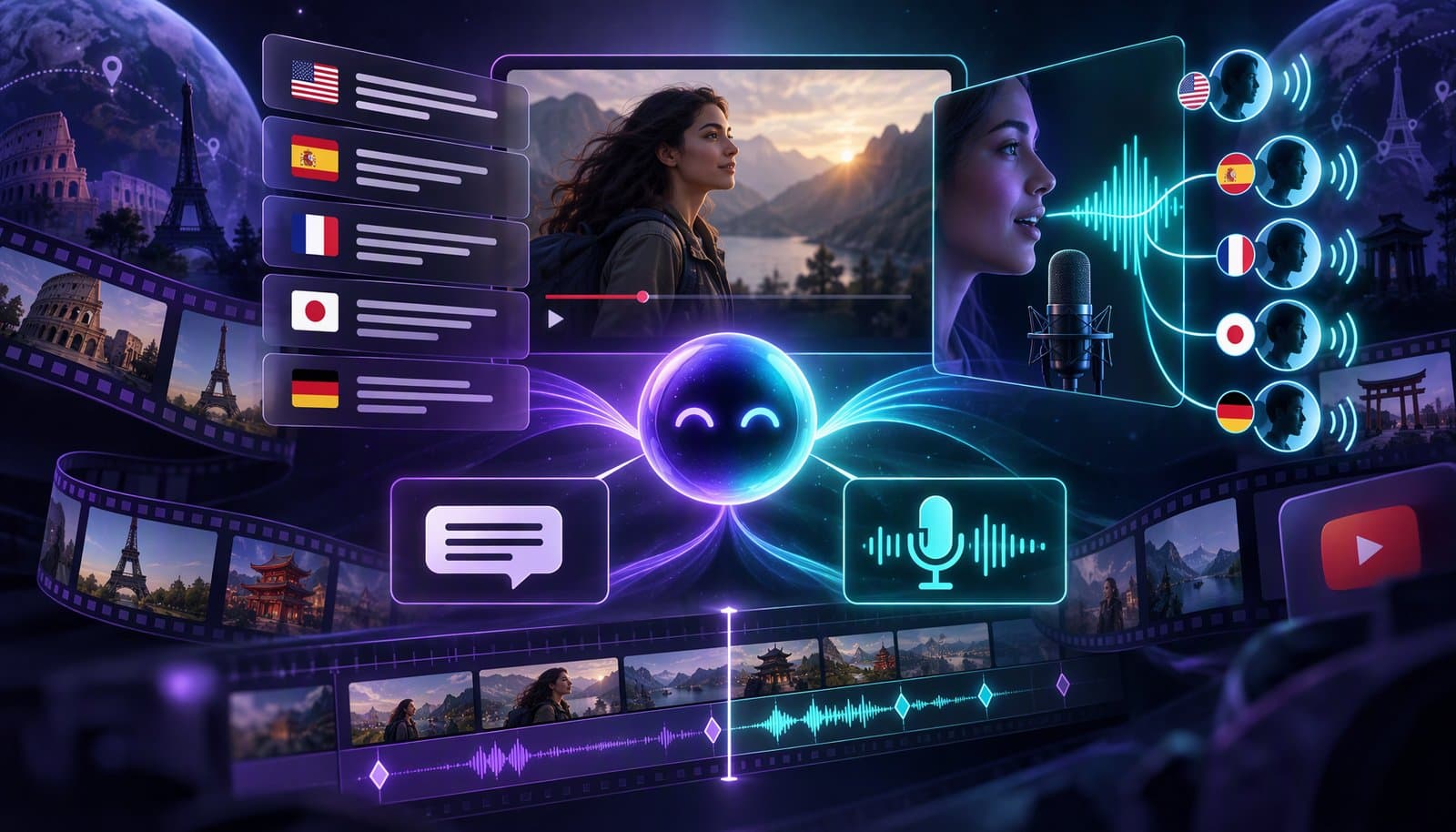
To translate a video, transcribe the original, translate the transcript, have a native speaker review it, then publish it as translated subtitles or as a dubbed audio track. Subtitles are cheaper and faster and keep the original voice; AI dubbing reaches viewers who would rather listen, at more cost and risk. On YouTube, add each language as a track on the same video.
This guide compares the options, walks through the workflow, and covers the two things that trip people up most: readability in the target language and consent when a voice is cloned. If the terms are new, captions vs subtitles vs SDH explains why a translated track counts as subtitles rather than captions.
Facts checked October 20, 2026 against YouTube Help, Netflix's Timed Text Style Guides, ElevenLabs' documentation and the EU AI Act text (links under Sources). YouTube's dubbing features are still rolling out and change often. This is not legal advice. Full disclosure: Loopdesk is our product.
What are your options for translating a video?
You have three practical options: translated subtitles, an AI-dubbed audio track, or both. On YouTube, both can sit on the original video as extra language tracks, so you don't split views across separate uploads.
- Translated subtitles. One text track per language, uploaded as an SRT or VTT file or burned into the picture. The original voice stays.
- AI dubbing. A synthetic voice reads the translation. Some tools clone the original speaker's voice, and some also alter mouth movements to match the new audio (lip sync).
- Multi-language audio tracks. YouTube lets eligible creators attach dubbed audio tracks to one video, either uploaded by you or generated by its automatic dubbing.
Subtitles vs AI dubbing: how do cost, quality and time compare?
Subtitles win on cost, speed and control; dubbing wins for viewers who would rather listen than read. Most creators start with subtitles in every target language and add dubs for the languages that bring the most views.
| Translated subtitles | AI dubbing | AI dubbing with voice cloning and lip sync | |
|---|---|---|---|
| What viewers get | Original audio plus text in their language | A new voice in their language | A voice that sounds like the speaker, with adjusted mouth movements |
| Relative cost | Lowest: translation and review | Higher: adds voice generation and an audio mix | Highest: adds consent, cloning and video processing |
| Time to fix an error | Minutes: edit the text and re-upload | Longer: regenerate the audio | Longest: may mean re-rendering the video |
| Main quality risks | Line length, reading speed, right-to-left rendering | Flat delivery, timing drift, wrong emphasis | Uncanny lip movement, disclosure duties |
| Accessibility | Helps viewers who read the language, including Deaf viewers | None on its own; caption the dub too | Same as dubbing |
| Best for | Most videos: tutorials, interviews, documentaries | Videos people watch without reading along | Flagship videos where the speaker's voice is the brand |
Can YouTube translate or dub your video automatically?
Yes, for eligible channels. YouTube's automatic dubbing generates dubbed audio tracks, and its multi-language audio feature lets you upload your own dubs to the same video. You can also add translated subtitles, titles and descriptions in YouTube Studio.
How does YouTube automatic dubbing work?
According to YouTube Help in October 2026:
- Access. Automatic dubbing is on by default for eligible creators; others can turn it on through early access in Advanced settings.
- Languages. It dubs from 30 source languages. English can be dubbed into 20 languages, including Spanish, French, German, Hindi and Japanese; most other source languages dub into English.
- Limits. Videos over 120 minutes, with little or no speech, with very fast speech or with copyrighted content may not be eligible.
- Review. Turn on "Publish manually" to review dubs before they go live; you can preview, publish, unpublish or delete them in YouTube Studio on a computer. You "cannot edit automatic dubs."
- Labels and extras. Dubbed videos are marked "auto-dubbed" in the description. "Expressive speech" copies the original pitch and intonation in some languages, and lip sync is experimental and limited to select channels.
YouTube also lists where dubs struggle: background noise, fast speech, accents, proper nouns, idioms and jargon.
How do you add your own dubbed audio track on YouTube?
YouTube says multi-language audio "is currently available to creators with access to Advanced features." In YouTube Studio on a computer, select Languages, pick the video, click Add Language, then Add next to Dub, select your file and click Publish. The file must be "a supported audio-only file format and roughly the same length as your video." Viewers hear the track that matches their preferred language and can switch tracks in the player. If an automatic dub already exists for that language, delete it first.
How do you translate a video step by step?
Five steps work in any tool: transcribe, translate, review with a native speaker, time and style each language, then publish each language as its own track.
Step 1: Transcribe the original and fix it
Every translation inherits the source transcript's errors, so a misheard word becomes a mistranslation in every language. Generate auto captions in the spoken language, then correct names, jargon and numbers before you translate anything. Our auto caption generator comparison covers the tools.
Step 2: Translate the transcript, not the audio
Translate from the corrected text and keep the timecodes. Machine translation makes a fast first draft. Give it a glossary of product names and terms that should stay untranslated, and translate idioms for meaning. For dubbing, ask for a script that fits the original timing; a literal translation can take longer to say than the original line.
Step 3: Review with a native speaker
Have a fluent speaker of each target language watch the video with the translation on, not just read the text. They catch tone, formality and lines that are correct but unnatural. For medical, legal, financial or paid course content, treat this step as required.
Step 4: Time and style each language
Re-split lines for the target language and check reading speed (see the next section). For dubs, check that each line ends before the next speaker starts and that music and effects sit under the new voice. Preview right-to-left languages in the real player.
Step 5: Publish each language as its own track
Upload one subtitle file per language, and dubbed audio as additional audio tracks on the same video where the platform supports it. SRT vs VTT covers which file each platform accepts. Burn in translated subtitles only where a platform has no caption tracks, which means one export per language. If the source already has burned-in subtitles in the original language, new ones will collide with them; see how to remove hardcoded subtitles.
How do you keep translated subtitles readable?
Keep each subtitle to two lines, keep lines short, and lower the reading speed where the language or audience needs it. Netflix publishes its Timed Text Style Guides, and they set these limits:
| Netflix style guide | Max lines | Characters per line | Adult reading speed | Children's reading speed |
|---|---|---|---|---|
| English (USA) | 2 | 42 | Up to 20 characters per second | Up to 17 |
| Arabic | 2 | 42 | Up to 20 characters per second | Up to 17 |
| Hebrew | 2 | 42 | Up to 17 characters per second | Up to 13 |
Netflix's general requirements add a minimum of five-sixths of a second and a maximum of 7 seconds per subtitle, and ask you to break lines after punctuation and before conjunctions and prepositions, never between a first and last name. A translation is often longer than the source, so a line that fit in English may need a new split or a shorter wording.
What changes for right-to-left languages?
Arabic, Hebrew, Persian and Urdu read right to left, and mixed lines are where problems appear: a Latin brand name, a number or end punctuation can render on the wrong side if the player or font handles bidirectional text badly. Preview RTL subtitles in the actual player and on a phone. Netflix's Arabic guide also says not to use Latin letters to render an email address or website in Arabic subtitles. For how fonts and RTL rendering work in Loopdesk's captions, see Captions Without Borders.
Do you need consent to clone someone's voice?
Yes, in practice. Get written consent from every person whose voice you clone, including guests, and disclose synthetic speech where platforms or laws require it. Some vendors go further and only let you clone your own voice.
- Vendor rules. ElevenLabs' documentation says "You can only create a Professional Voice Clone of your own voice" and "Even with their consent, you cannot clone someone else's voice." Every professional clone goes through a spoken verification step.
- YouTube disclosure. YouTube asks creators to disclose AI content that "Makes a real person appear to say or do something they didn't do." Its examples that don't need disclosure include "Caption creation" and "Cloning one's own voice to create voice overs or dubs." That exemption covers your own voice; if you dub a guest in a cloned voice, disclosing is the safer choice.
- EU AI Act. Article 50 requires deployers of AI systems that generate or manipulate audio or video "constituting a deep fake" to disclose that it was artificially generated or manipulated, with a lighter duty for evidently artistic or creative works. Check the application dates that apply to you.
A useful consent note records who agreed, which languages, where the dub will be published, for how long, and whether they get to review it.
Where does Loopdesk fit in a translation workflow?
Disclosure: Loopdesk is our product.
Loopdesk fits the transcription and styling steps. It generates captions in 108 languages, including multilingual and mixed-language videos and right-to-left scripts, which covers step 1 for most source languages. Its Text & Motion panel has styled text categories, including Indian Languages, for step 4. For the translation and dubbing steps, choose tools using the comparison above.
Separately, Loopdesk's Storyteller, which generates a new film from a prompt, has a Multilingual preset; it creates a film rather than translating an existing one. Loopdesk runs in the browser and has no free plan: Creator Lite is $19/month, or $15/month billed annually.
Sources
Read October 20, 2026.
- YouTube Help, "Use automatic dubbing": https://support.google.com/youtube/answer/15569972 · "Add Multi-language features to your videos": https://support.google.com/youtube/answer/13338784 · "YouTube tools to translate your content": https://support.google.com/youtube/answer/4792576 · "Disclosing use of GenAI content": https://support.google.com/youtube/answer/14328491
- Netflix Partner Help Center, Timed Text Style Guide, General Requirements: https://partnerhelp.netflixstudios.com/hc/en-us/articles/215758617-Timed-Text-Style-Guide-General-Requirements · English (USA): https://partnerhelp.netflixstudios.com/hc/en-us/articles/217350977-English-USA-Timed-Text-Style-Guide · Arabic: https://partnerhelp.netflixstudios.com/hc/en-us/articles/215517947-Arabic-Timed-Text-Style-Guide · Hebrew: https://partnerhelp.netflixstudios.com/hc/en-us/articles/220636427-Hebrew-Timed-Text-Style-Guide
- ElevenLabs, "Professional Voice Cloning": https://elevenlabs.io/docs/product-guides/voices/voice-cloning/professional-voice-cloning
- EU AI Act, Article 50 (Regulation (EU) 2024/1689): https://artificialintelligenceact.eu/article/50/
- Loopdesk: https://loopdesk.ai/llms.txt · https://loopdesk.ai/pricing
Frequently Asked Questions
Is it better to subtitle or dub a video?
Subtitle first. Subtitles cost less, are faster to fix and keep the original voice. Add AI dubbing for the languages that bring the most views or where your audience would rather listen than read. You can publish both on the same YouTube video.
Can YouTube dub my videos automatically?
Yes, if your channel is eligible. YouTube's automatic dubbing is on by default for eligible creators, marks dubbed videos "auto-dubbed" and lets you review dubs before they go live with Publish manually. You can't edit an automatic dub, and videos over 120 minutes aren't eligible.
How do I add a translated audio track on YouTube?
With access to YouTube's Advanced features, open YouTube Studio on a computer, select Languages, pick the video, click Add Language, then Add next to Dub. Select an audio-only file roughly the length of the video and publish. Delete any automatic dub for that language first.
How many characters per line should subtitles have?
Netflix's style guides set 42 characters per line and two lines at most for English, Arabic and Hebrew, with adult reading speeds of up to 20 characters per second in English and Arabic and 17 in Hebrew. Shorter lines are easier to read on a phone.
Do I need permission to clone someone's voice for a dub?
Get written consent from anyone whose voice you clone. Some vendors only allow cloning your own voice, YouTube asks you to disclose content that makes a real person appear to say something they didn't, and the EU AI Act requires disclosing deepfake audio. Not legal advice.
Should I burn in translated subtitles?
Only where the platform has no caption tracks. Elsewhere, upload one SRT or VTT file per language, so viewers can pick a language or switch subtitles off and you can fix errors without exporting the video again.
Need accurate captions to translate from? Try Loopdesk - captions in 108 languages, including mixed-language and right-to-left scripts, right in your browser. Plans start at $19/month ($15 billed annually).