
How to Add or Remove a Watermark From a Video (2026)
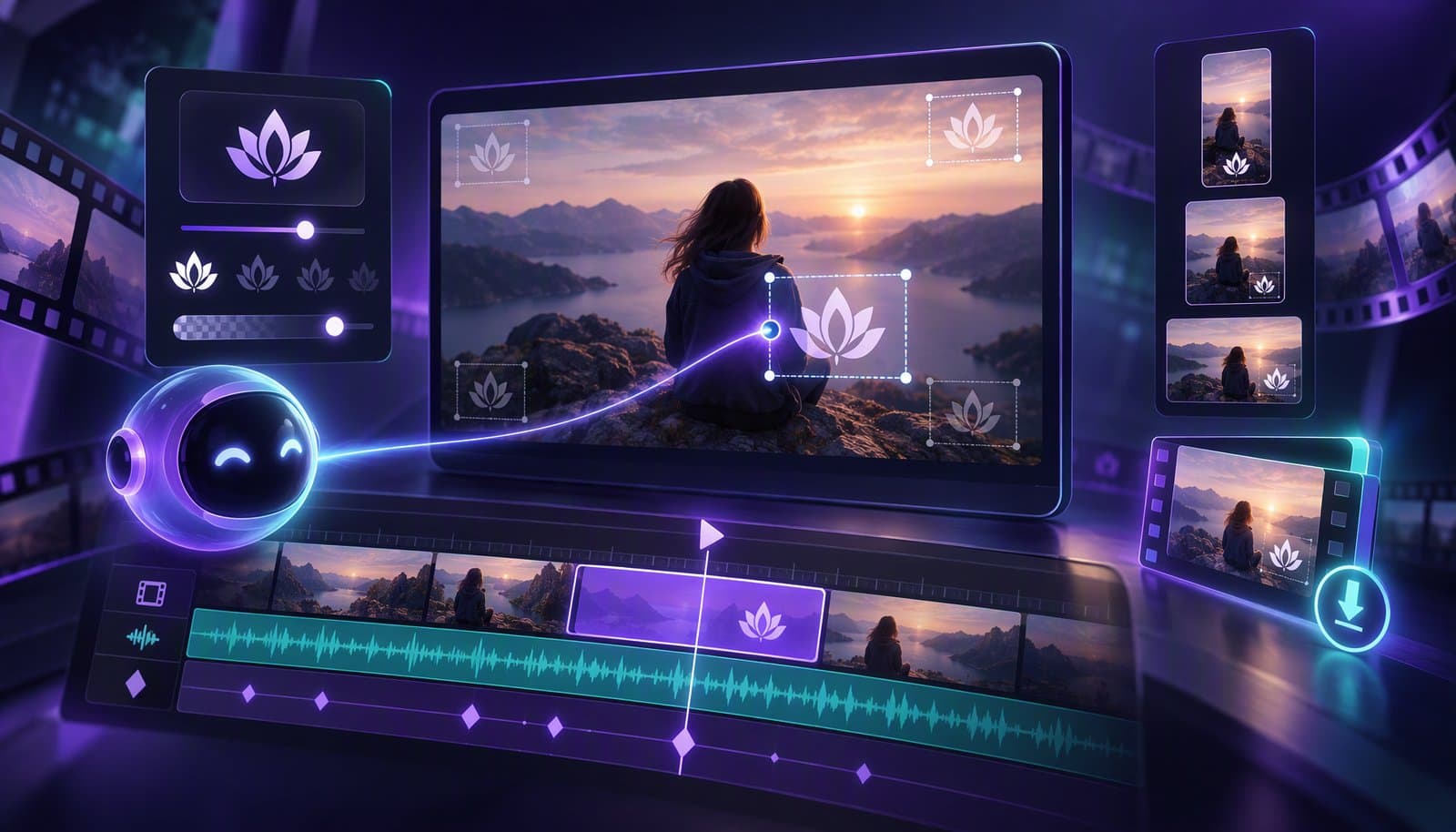
To watermark a video, export your logo as a transparent PNG, place it in a corner that platform UI never covers (bottom-right on 16:9, a top corner on vertical), size it to roughly 5–8% of the frame width at 50–70% opacity, and apply it through a brand template so every export carries the same mark automatically. Below: placement, sizing, the "export without watermark" question, and when removing one is legal.
A quick definition so we're aligned (what a video watermark is, in depth): a video watermark is a logo, text, or graphic overlaid on footage to show who owns it or which tool exported it — the glossary entry covers the meaning and types in depth. This guide is the practical half: how to add your own watermark well, at scale, and how to get rid of one you didn't ask for.
How to Add a Watermark to a Video
Adding a watermark takes four steps in any editor: prepare a transparent logo file, pick a position that survives every platform's interface, set the size and opacity so it reads on pause but not during playback, then save it as a template so the mark is applied automatically on every export. Here's each step in detail, for browser and desktop editors alike.
Step 1: Prepare a Transparent Logo File
Export your logo as a PNG (or SVG) with a transparent background. A single-color "knockout" version — usually white — reads far better over mixed footage than a full-color logo, which fights with whatever is behind it. Export it at least twice the pixel size you'll display it at so it stays crisp on 4K.
Step 2: Pick a Corner That Stays Clear
Bottom-right is the traditional home for a watermark on 16:9 video. On vertical video, avoid it: TikTok, Reels, and Shorts stack engagement buttons along the right edge and captions near the bottom, so a top corner survives every major vertical UI. Wherever it goes, keep the mark inside the title-safe margin so platform cropping never clips it.
Step 3: Set Size and Opacity
The goal is legible on pause, invisible to attention during playback. In practice that means roughly 5–8% of the frame width, at 50–70% opacity. If a viewer's eye lands on your watermark during normal playback, it's too big or too bright.
Step 4: Apply It to Every Video Automatically
Adding a watermark once is easy; adding it to this week's forty clips is where manual workflows fall apart. In desktop editors, save the overlay as a preset or adjustment layer and drop it onto each project. With an agentic editor, the watermark lives in your brand template and one instruction covers the set: "Add our logo, bottom-right at 60% opacity, to every video in this batch and re-export." Loopdesk applies it across the whole batch in parallel — same placement, same settings, every time.
Where Should You Place a Watermark on a Video?
Place a watermark in a corner, inside the title-safe area, on the side of the frame that platform overlays leave alone: bottom-right for YouTube and other 16:9 players, top-left or top-right for TikTok, Reels, and Shorts. Center placement is only for preview and review copies you want to be unusable.
| Format | Best position | Avoid | Why |
|---|---|---|---|
| 16:9 (YouTube, web, broadcast) | Bottom-right corner | Bottom-center | Player controls and captions sit along the bottom edge |
| 9:16 (TikTok, Reels, Shorts) | Top-left or top-right | Right edge, bottom third | Like/share buttons stack on the right; captions and UI cover the bottom |
| 1:1 (feed posts) | Any corner | Center | Feeds crop aggressively; corners inside the safe margin survive |
| Preview / review copy | Center, full-frame diagonal | — | The point is to make the draft unusable until it's paid for or approved |
Moving watermarks. Some broadcasters and streamers shift the mark between corners every few minutes. It defeats crude cropping, but it also draws the eye every time it jumps. For creator content, a static corner mark is the better trade.
Watermark Size, Opacity and Branding Rules
A good creator watermark is about 5–8% of the frame width, 50–70% opaque, single-color, and identical on every video you publish. Consistency is the branding value: viewers should recognize the mark before they read it, which only happens when it never changes.
- Size: on a 1920x1080 frame, roughly 100–150 px wide. Scale proportionally for 4K and for 1080x1920 vertical exports rather than reusing pixel values.
- Opacity: 50–70%. Fully opaque marks look like a broadcaster bug; below 40% they disappear on bright footage.
- Color: white or a single brand color with a subtle 1–2 px shadow so it holds up on both light and dark backgrounds.
- Margin: keep at least 3–5% of the frame between the mark and the edge so no platform crop touches it.
- One version per aspect ratio: when you reframe 16:9 to 9:16, the corner that was clear may now be covered — check the mark in every output format.
What Does "Export Without Watermark" Mean?
"Export without watermark" means the editing tool renders your finished video without stamping its own logo on it. Most free video editors watermark exports until you pay; the phrase describes the plan or tier where that stamp disappears. It says nothing about your watermark — you can still add your own branding.
The watermark on a free-tier export is a business model, not a technical necessity. In the freemium model, the stamp is the upgrade pitch — rendered onto your own content. Four patterns show up across the market:
- Free-tier stamps. The export carries the tool's logo until you pay.
- Trial stamps. Everything is watermarked until the trial converts.
- Feature-level stamps. Specific (often AI-generated) features add a watermark even on some paid tiers.
- Resolution gates. Watermark-free export exists, but only below the resolution you actually need.
| Tool (mid-2026) | Free export | Watermark-free export |
|---|---|---|
| Loopdesk | No free plan | Every plan, unlimited 4K, commercial rights included |
| DaVinci Resolve | Free version exports clean | Free and Studio |
| CapCut | Free, but some features and exports are stamped or gated | Pro (varies by region and platform) |
| Veed | Watermarked on the free tier | Paid tiers |
| Kapwing | Watermarked on the free tier | Paid tiers |
Tier policies change often, so treat this as "verify before you commit." Our 12 best AI video editing tools comparison tracks where each tool stands, and the AI video editor pricing comparison covers what watermark-free export actually costs. Loopdesk's position is the opposite of the pattern — watermark-free, unlimited 4K export with full commercial rights on every plan.
How to Remove a Watermark from a Video
The right method depends entirely on whose video it is. If the mark is yours (a free tool stamped your own export), re-export from the original project in an editor that doesn't watermark. If the mark belongs to someone else, removing it is a rights problem, not an editing problem — license the footage instead.
If the Watermark Is Yours
If a free tool stamped your own footage, skip the pixel surgery. Cropping cuts into your frame, and blur or "AI removal" tools leave smears exactly where viewers look. The clean fix is to re-export the original project from an editor that doesn't watermark — in Loopdesk, that's every export on every plan. If the original project file is gone, re-editing the source footage beats trying to reconstruct pixels under a burned-in logo, and with an agent doing the assembly, a re-edit takes minutes, not days.
If the Watermark Isn't Yours
Then it isn't an editing question; it's a rights question. A watermark identifies the owner, and removing or covering it to obscure the source generally violates platform rules and the laws that protect copyright-management information (in the US, part of the DMCA) — separate from any copyright infringement itself. If you need the footage clean, license it, ask the creator for permission, or use licensed stock instead.
Is Removing a Watermark Legal?
Removing your own watermark from your own video is always fine. Removing someone else's is usually not: marks that identify the owner count as copyright-management information in many jurisdictions, and stripping them is a separate violation on top of any infringement. Three points worth knowing, none of which are legal advice:
- A watermark doesn't create copyright. The work is protected from the moment it's recorded; the watermark just makes ownership visible and traceable.
- Removing someone else's watermark adds liability. Even if you'd otherwise have a fair-use argument for the footage, obscuring the owner's mark undermines it.
- A watermark isn't a license. Paying a stock site to remove the preview watermark is really paying for the license; the clean file is just the receipt.
Types of Video Watermarks: Quick Reference
Creators mostly deal with visible watermarks, but you'll meet all three kinds:
- Visible watermarks — the logo or text you can see, burned into every exported frame. The type this guide is about.
- Invisible (steganographic) watermarks — data hidden in pixels or audio that content-ID systems detect after upload, even through cropping and re-encoding.
- Forensic watermarks — per-copy invisible marks used on screeners and confidential video so a leak can be traced to its source.
For the full definitions and examples, see the video watermark glossary entry.
Video Watermarking by Use Case: Which Solution Fits?
"Video watermarking" means different things to a solo creator, an agency, and a course business. The mark is the same; the workflow around it is not. Match the solution to the job:
| Use case | What the watermark has to do | What to look for in a video watermarking solution | Typical setup |
|---|---|---|---|
| Creator branding (YouTube, Shorts, Reels) | Make reposted clips traceable back to you | A saved overlay template, corner-safe placement, batch application across every export | Logo at 40–60% opacity, one corner, applied by template |
| Agencies and client work | Mark previews as unapproved without ruining the review | Toggleable preview marks, clean final exports with no software branding, per-client templates | Centered "PREVIEW" text on drafts, none on the delivered master |
| Courses, webinars, and paid content | Deter casual re-uploads of paid material | Burned-in marks that survive re-encoding, plus platform content-ID where available | Small persistent logo plus a periodic on-screen handle |
| Stock, licensing, and screeners | Protect footage until it is paid for or trace a leak | Visible preview marks for buyers; forensic (per-copy) marks for confidential screeners | Heavy tiled mark on previews, invisible per-recipient mark on screeners |
| Teams publishing at volume | Keep branding consistent across dozens of videos a week | Brand-kit templates, batch export, and an export pipeline that never adds its own watermark | One template, applied automatically on every export |
Whatever the use case, the watermarking solution should never be the editor's own logo. Free tiers that stamp their branding on your export are marking their ownership, not yours — see what "export without watermark" means above.
Frequently Asked Questions
How do I add a watermark to a video?
Export your logo as a transparent PNG, import it as an overlay layer above your footage, position it in a clear corner inside the safe margin, set it to about 5–8% of the frame width at 50–70% opacity, and save the setup as a template or preset so every future export carries the same mark.
Where should I put a watermark on a video?
Bottom-right for 16:9 video such as YouTube; a top corner for vertical TikTok, Reels, and Shorts, where buttons stack on the right and captions cover the bottom. Keep it inside the title-safe area so platform cropping never clips it, and check the position again for every aspect ratio you export.
What size and opacity should a video watermark be?
About 5–8% of the frame width — roughly 100–150 px on a 1080p frame — at 50–70% opacity. That reads clearly when paused but doesn't pull attention during playback. Use a single-color version with a subtle shadow so it holds up over both light and dark footage.
What does "export without watermark" mean?
It means the editing software renders your video without stamping its own logo on it. Free tiers of many editors watermark every export until you upgrade; "export without watermark" describes the plan where that stamp disappears. Loopdesk exports watermark-free on every plan, including 4K.
How do I add a watermark to all my videos at once?
Use a brand template plus batch editing. In Loopdesk, save your logo once, then give one instruction — "add our watermark, bottom-right at 60% opacity, to every video in this set" — and the agent applies it across the batch and re-exports. Traditional editors require applying an overlay preset project by project.
Is it legal to remove a watermark from a video?
From your own video, yes. From someone else's, generally no: removing a mark that identifies the owner violates platform terms and the laws protecting copyright-management information, creating liability beyond any infringement. If you need clean footage, license it, get written permission, or use licensed stock.
Which video editors export without a watermark?
As of 2026: Loopdesk exports watermark-free on every plan, including unlimited 4K with commercial rights. DaVinci Resolve's free version doesn't watermark standard exports. Many free web editors — CapCut, Veed, Kapwing — reserve fully watermark-free export for paid tiers or specific features, and policies change often, so check current terms.
What should a video watermarking solution include?
A saved overlay template so every export carries the same mark, corner-safe placement and opacity controls, batch application across many videos, clean final exports with no software branding, and — for paid or confidential content — marks that survive re-encoding. Agencies also want toggleable preview marks for client review. The use-case table above maps each of those to the workflows that need them.
Your videos should carry your brand — nobody else's. Export watermark-free with Loopdesk: unlimited 4K, full commercial rights, every plan.