
How to Remove Background Noise From Video (Free & AI)
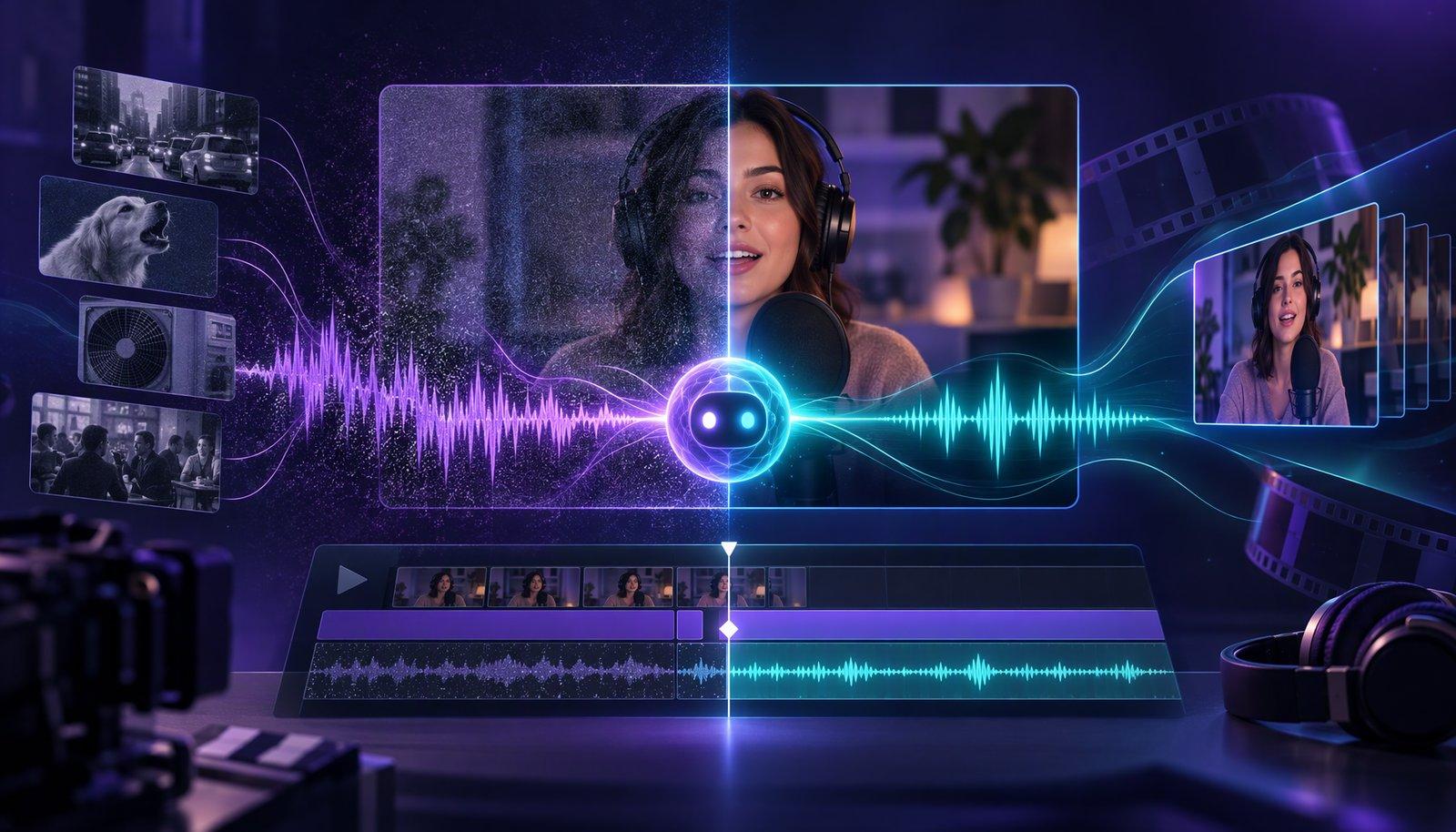
To remove background noise from a video without making the speaker sound metallic or underwater, match the tool to the noise type and stop at 6 to 12 dB of reduction (or 30% to 60% AI mix strength): use a free high-pass EQ filter at 80 Hz plus spectral noise profiling (Audacity or DaVinci Resolve Free Fairlight) for steady AC/fan hum, and use neural voice isolation (DaVinci Resolve Studio, Premiere Pro Enhance Speech, or Adobe Podcast) for erratic traffic, dogs, or cafe chatter.
Turning any "Reduce Noise" slider all the way to 100% strips high-frequency consonants, creates watery "musical noise"chirps, and makes an authentic voice sound synthesized. If you aren't sure whether your audio problem is broadband hiss, room reverb, or mic clipping, check our diagnostic guide on noise reduction vs voice enhancement first; below are the exact step-by-step clicks in each tool.
Facts checked November 24, 2026 against current audio effects in DaVinci Resolve 19/20 (Free and Studio), Audacity + FFmpeg, Adobe Premiere Pro, Adobe Podcast Enhance Speech, and CapCut. Full disclosure: Loopdesk is our product, a paid browser-based agentic AI video editor. Loopdesk does not advertise a standalone spectral denoiser or de-reverb engine on its spec sheet, so we explain below how to run a 60-second audio cleanup pass before cutting and captioning in Loopdesk.
Step 0: Identify which kind of noise is on your video track
Different defects need different filters. Applying a broadband denoiser to clipped distortion only makes it worse:
| What you hear on headphones | Technical defect | Right tool to reach for | Typical safe strength |
|---|---|---|---|
| Steady air-conditioner, PC fan, or fridge drone | Stationary broadband + tonal hum | High-pass EQ (75-90 Hz) + Noise Reduction "Learn" profile | 6 to 12 dB reduction |
| High-pitched mic preamp hiss ("ssss") | White/hiss noise floor | Spectral Noise Reduction (Audacity / Fairlight / Premiere DeNoise) | 6 to 9 dB reduction |
| Traffic, barking, keyboard clacks, cafe voices | Non-stationary noise | Neural Voice Isolation (Resolve Studio / Premiere Enhance Speech) | 35% to 65% mix |
| Hollow bathroom or empty-office bounce | Room reverberation (echo) | De-reverb module (Premiere DeReverb / RX Dialogue De-reverb) | Subtle (20% to 45%) |
| Harsh outdoor wind buffeting ("wump-wump") | Low-frequency capsule overload | Steep 100-120 Hz high-pass cut + gentle neural voice isolation | Cannot restore fully clipped plosives |
Free Method 1: DaVinci Resolve Free (Fairlight Noise Reduction, $0, no watermark)
Even the 100% free edition of DaVinci Resolve (Windows, Mac, Linux) includes Fairlight's spectral Noise Reduction plugin and a 6-band EQ:
- Import your video, click the Fairlight (musical note) tab at the bottom, and double-click EQ on your dialogue track mixer strip.
- Enable Band 1 (high-pass cut filter) and set Frequency to 80 Hz (95 Hz for higher voices outdoors). That alone removes rumble from trucks, footsteps, and AC ducts without touching vocal clarity!
- Click Effects -> Fairlight FX -> Noise Reduction and drag it onto your audio track.
- Choose Manual mode, park the playhead on 1 to 2 seconds of pure room tone where nobody is speaking, click Learn, play through that silent gap so Resolve captures the noise fingerprint, and click Learn again to lock it.
- Play the spoken dialogue and pull Dry/Wet back to 60% to 75% (or keep Threshold conservative) so faint natural room tone remains instead of vacuum-sealed digital silence.
Have DaVinci Resolve Studio ($295)? Toggle Voice Isolation right in the Track Inspector and set the slider between 35% and 65%; Blackmagic's neural isolator handles moving street noise in one click without needing a silent noise print.
Free Method 2: Audacity and FFmpeg (100% free open-source desktop cleanup)
If your computer struggles to run DaVinci Resolve, Audacity cleans audio tracks in seconds and FFmpeg remuxes the clean WAV back onto your video without re-encoding a single video pixel:
- Install Audacity (free on Windows, Mac, Linux) with FFmpeg import enabled, and drag your .mp4 or .mov straight into Audacity to load its audio stream.
- Highlight 1.5 seconds of background noise only (between sentences), open Effect -> Noise Removal and Repair -> Noise Reduction, and click Get Noise Profile.
- Press Ctrl+A / Cmd+A to select the entire track, re-open Noise Reduction, and start with Noise reduction: 9 dB, Sensitivity: 5.00, Frequency smoothing: 3 bands. Click Preview on headphones; if voices sound glassy, drop Noise reduction to 6 dB.
- Export as 48000 Hz, 24-bit WAV (clean.wav), then swap the audio into your original video instantaneously with zero visual quality loss:
- In any editor, mute the camera scratch track and drop clean.wav at 00:00:00:00, or mux via FFmpeg (ffmpeg -i input.mp4 -i clean.wav -c:v copy -map 0:v:0 -map 1:a:0 -c:a aac -b:a 320k output.mp4).
Paid and Freemium AI Methods: Premiere Pro, Adobe Podcast, and CapCut
Adobe Premiere Pro (DeNoise and Enhance Speech)
- Open the Essential Sound panel (Window -> Essential Sound), select your dialogue clips, and click Dialogue.
- For gentle studio polish: Expand Repair, check Reduce Noise, and keep the slider at 2.0 to 4.5 (out of 10).
- For noisy phone or street clips: Click Enhance Speech at the top of Essential Sound, let Premiere process locally, and pull the Mix slider down to 40% to 65%! At 100%, generative speech models often invent lisp-like sibilance or alter a speaker's vocal timbre.
CapCut (Desktop and Mobile)
Select the video clip -> Audio tab -> check Reduce noise (free basic toggle on many versions; Enhance voice with strength slider often requires CapCut Pro; see CapCut Free vs Pro limits). Always listen on wired headphones afterward, because phone speakers hide watery mid-frequency artifacts that sound obvious on desktop monitors.
Video noise-removal tools compared
| Tool | Technique | Free with no video watermark? | Handles barking, traffic & chatter? | Mix / strength control? | Price |
|---|---|---|---|---|---|
| DaVinci Resolve Free (Fairlight) | 6-band EQ + learned spectral Noise Reduction | Yes (up to 4K60) | Best on steady hum/hiss | Full Dry/Wet, Attack, Threshold | $0 |
| Audacity (+ OpenVINO AI plugin option) | Spectral Noise Profile + optional local AI suppression | Yes (audio stem) | Yes with free Intel OpenVINO plugin | dB, sensitivity & smoothing sliders | $0 |
| DaVinci Resolve Studio | Neural Voice Isolation + Dialogue Separator | Paid one-time license | Excellent | 0 to 100% amount slider | $295 once |
| Adobe Premiere Pro | Essential Sound DeNoise + AI Enhance Speech | 7-day trial | Excellent | 0 to 100% Mix slider | $22.99/mo (annual) |
| CapCut | One-click Reduce Noise + Pro Enhance Voice | Basic Reduce Noise often free; Enhance Voice Pro-gated | Basic | Strength slider on Enhance Voice | Free / Pro ~$9.99-$19.99/mo |
| iZotope RX Standard / Advanced | Surgical spectral repair, Voice De-noise, De-reverb | Trial only | Industry gold standard for post houses | Multi-band surgical control | Paid perpetual / suite |
Three listening checks before you export
- Level-match your A/B bypass test: Enhancement tools often boost loudness by +4 dB alongside noise cleanup, tricking your brain into preferring "louder" even when the voice became robotic. Match loudness around -14 LUFS before judging.
- Leave -50 to -45 dBFS of natural room floor: Total digital silence (-infinity dB) between words sounds like the video player muted.
- Fix the microphone placement next shoot: Moving a $60 dynamic USB/XLR mic or wireless lavalier from 100 cm (camera-mounted) to 15 cm (chest/mouth) improves your signal-to-noise ratio by ~16 dB physically, beating every AI plugin on earth.
How to pair audio cleanup with Loopdesk
Full disclosure: Loopdesk is our product, and as noted in our Loopdesk feature specifications, we do not claim built-in spectral denoising or de-reverb modules. When you have a noisy street or echoey room recording, run a 60-second cleanup pass first in DaVinci Resolve Free or Audacity, then drop the cleaned file into Loopdesk in your browser. Cleaning harsh background noise upfront also boosts speech-to-text accuracy when Loopdesk's AI agent Aura runs silence removal, filler-word cleanup, 108-language captions, and 4K watermark-free exports (Creator Lite $19/month or $15/month annual; no free plan).
Frequently Asked Questions
How can I remove background noise from a video for free with no watermark?
Use DaVinci Resolve Free: open the Fairlight audio tab, roll off low rumble below 80 Hz on the track EQ, drag the Fairlight Noise Reduction effect onto your dialogue track, click Learn on 1.5 seconds of silent room noise, set Dry/Wet around 65%, and export up to 4K60 with no watermark.
Why does AI noise removal make speech sound robotic or underwater?
Aggressive noise suppression subtracts frequencies shared by both hiss and human consonants ("s", "f", "t"), while generative voice enhancers resynthesize missing harmonics. Pull the AI Mix or Strength slider back to 35% to 65% so a tiny trace of natural room tone keeps the voice authentic.
Can AI remove wind noise or a loud cafe behind an interview?
Neural voice isolation tools (DaVinci Resolve Studio Voice Isolation, Premiere Pro Enhance Speech, and Audacity's OpenVINO noise suppression) attenuate chatter, traffic, and mild wind far better than classic noise gates, though severe wind gusts that physically clip the mic capsule cannot be fully reconstructed.
Should I denoise audio before or after auto-captioning?
Apply gentle 6 to 9 dB broadband denoising before auto-captioning if loud fan hum or street noise drowns out speech, but avoid 100%-strength generative voice synthesis beforehand, because resynthesized syllables occasionally alter slurred proper nouns and confuse speech-to-text models.
Does Loopdesk include a background noise remover?
Loopdesk (our paid browser-based agentic AI video editor, from $15/month billed annually with no free plan) handles silence removal, filler-word cuts, multicam speaker switching, 108-language captions, and 4K exports, and does not claim a built-in spectral denoiser; clean severe noise in Resolve Free or Audacity first.
Audio cleaned up and ready to cut silences, add 108-language captions, and pull 9:16 clips in minutes? Open Loopdesk or inspect plans from $15/month billed annually.