
Auto Edit: How Automatic Video Editing Works (and Where It Fails)
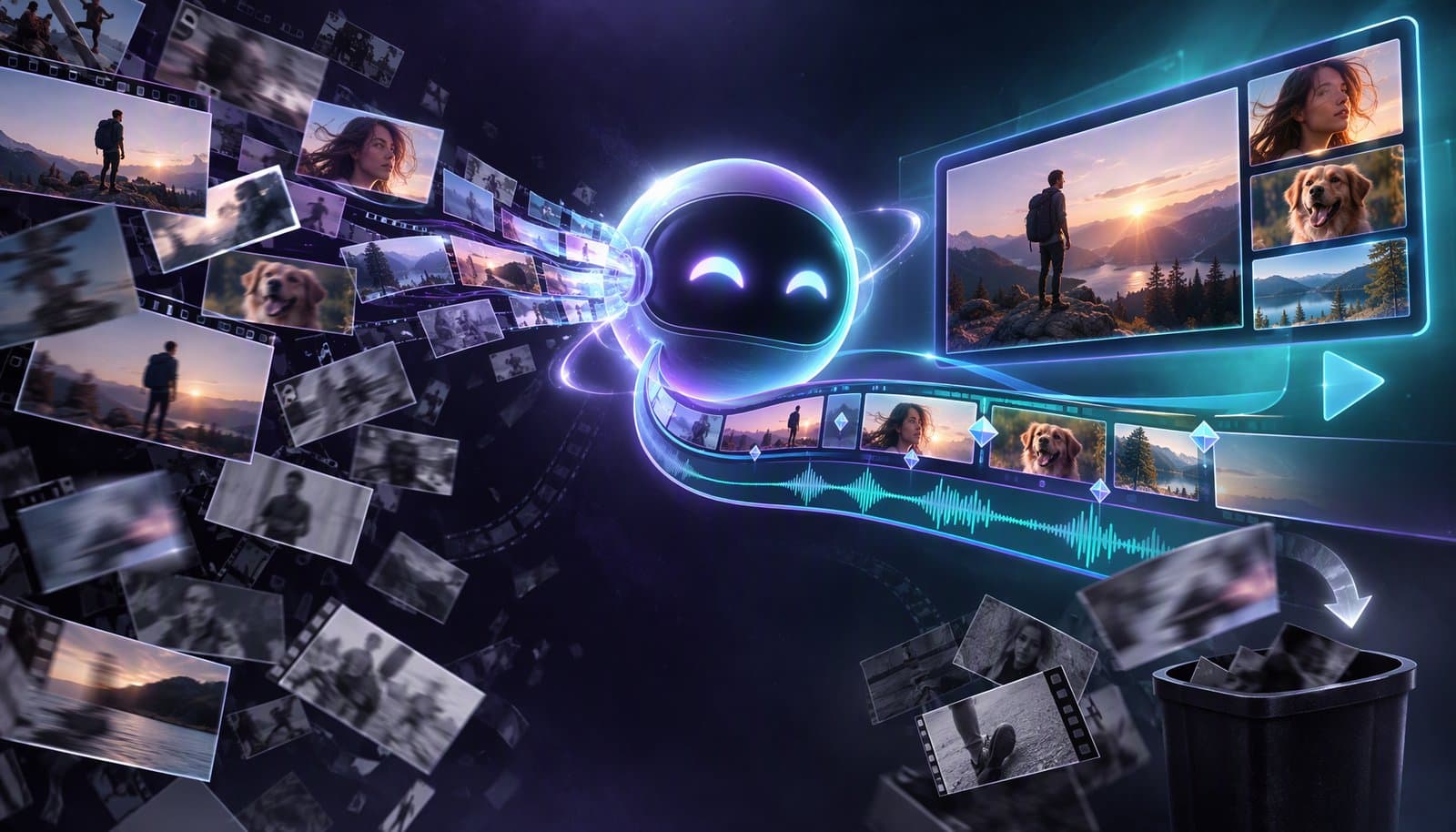
Auto edit means software makes editing decisions for you, from one task such as removing silences or adding captions to a full first cut. It comes in four levels: single-feature automations, template edits cut to music, transcript-driven edits, and agentic edits from a written brief. Each saves time; none can judge your story, brand or music rights for you.
The phrase covers very different features, which is why "auto edit" disappoints when you expect one level and get another. This guide sorts the features into levels, explains the techniques underneath, and shows where each one breaks. The short definition is in the automated editing glossary entry.
Facts checked October 20, 2026 against GoPro, Google Photos Help, Descript Help, Blackmagic Design, YouTube Help and open-source library documentation (links under Sources). Full disclosure: Loopdesk is our product and works at the agentic level described below.
What does "auto edit" mean?
In product menus, "auto edit" can mean a button that removes pauses, a template that cuts your clips to a song, a tool that edits video by editing its transcript, or an AI agent that plans a whole edit from a brief. What they share is that the software decides where the cuts go. What differs is how much it decides and how much context it has.
What are the levels of automatic video editing?
There are four levels, from narrow to broad: single-feature automations, template auto-edits, transcript-driven editing and agentic editing. Higher levels decide more, and their mistakes are harder to spot.
| Level | What you give it | What it decides | Documented examples | Typical failure |
|---|---|---|---|---|
| 1. Single-feature automation | A clip and a setting | One kind of cut or element | Descript's Shorten word gaps; YouTube's automatic captions; scene cut detection | Applies the rule everywhere, even where it shouldn't |
| 2. Template auto-edit | Photos, clips and a song or theme | Which shots, in what order, on which beats | GoPro Quik's edits synced to music; Google Photos highlight videos | Generic pacing; picks attractive shots, not meaningful ones |
| 3. Transcript-driven editing | Recorded speech, sometimes a script | Which words, sentences or takes stay | Descript's Edit for Clarity; DaVinci Resolve 21's IntelliScript | Cuts meaning along with filler; blind to visual problems |
| 4. Agentic editing from a brief | A plain-English goal | A multi-step plan: cuts, captions, clips, formats | Loopdesk's Aura; Descript's Underlord (beta) | A plausible but wrong reading of the brief |
Level 1: Single-feature automations
One task, one rule. Silence removal cuts gaps below a loudness threshold; Descript says its Shorten word gaps tool "removes the dead space between words automatically," down to a length you set. Auto captions transcribe and time speech. Scene cut detection marks where shots change. Because the rule is narrow, these automations are predictable and easy to check. For thresholds and padding, see how to remove silence without choppy cuts.
Level 2: Template auto-edits cut to music
You hand over photos and clips; the software picks shots and cuts them to a song. GoPro says its Quik app will "auto-sync edits to music," matching "the beat of your chosen music to key moments in the video," and, with cloud auto-upload, sends you a highlight video while the camera charges. Google Photos creates highlight videos "automatically" from people, places, themes or dates you choose, or from clips you pick under Create > Highlight video; you can then change the music and reorder or remove clips.
CapCut's AutoCut is often named in this group, but CapCut's site blocked our fetcher and its App Store listing doesn't describe the feature, so we couldn't confirm its current form.
Level 3: Transcript-driven auto-editing
Here the transcript is the timeline: deleting words deletes the matching video, so automation can work on the text. Descript's Edit for Clarity "analyzes your script to clean up pacing, tighten delivery, and remove unnecessary or off-topic content" at a light, balanced or aggressive level, and shows removed words as ignored text you can restore. DaVinci Resolve 21's IntelliScript "compares the script text to the original transcribed audio and creates a cut of the scene." Text-based video editing explained covers the method.
Level 4: Agentic editing from a brief
An agent takes a goal such as "remove the silences, add captions and cut three vertical clips from the best moments," plans the steps, runs them with editing tools and leaves a result you can review. In Loopdesk (our product), the AI agent Aura has Quick Actions for Analyze Video, Generate Highlights, Suggest Edits and Transcribe, and Suggest Edits produces an edit plan you review and apply. Descript describes Underlord as an AI co-editor, still in beta, that works from chat prompts.
This level chains the lower levels together, which is also why its mistakes are harder to spot. What is agentic video editing? covers agents in depth, and Can ChatGPT edit videos? covers general-purpose chatbots.
How does automatic video editing work?
Four techniques do most of the work: beat tracking for music, scene detection for pictures, transcript analysis for speech, and highlight scoring to rank moments. Many auto-edit features combine two or more.
Beat detection
Music-synced edits start by finding the beat. The open-source librosa audio library describes a classic three-stage method: "Measure onset strength," "Estimate tempo from onset correlation," then "Pick peaks in onset strength approximately consistent with estimated tempo." It follows Daniel Ellis's 2007 paper "Beat tracking by dynamic programming." The editor then places cuts on or near those beats.
Scene detection
Scene detection finds where shots change. The open-source PySceneDetect library documents two basic approaches: a content detector that flags fast cuts from "changes in colour and intensity between frames," and a threshold detector that watches brightness to catch fades. Its adaptive detector compares each change to a rolling average to reduce false alarms during fast camera motion. Templates use scene boundaries as candidate cut points; gameplay tools use them to find rounds and loading screens.
Transcript analysis
Speech-to-text produces words with timestamps. Once every word has a time, software can remove filler words, shorten gaps longer than a threshold, match takes to a script or drop off-topic sentences. Accuracy here depends on the transcript, so misheard words lead to wrong cuts.
Highlight scoring
To find "the best moments," tools score segments on signals such as loudness, speech, visual change and, for streams, chat activity, then rank them. The score is a guess at what's interesting, not a judgment of quality. See highlight clips for how the clips are built.
Where does automatic editing fail?
Auto edits fail where a decision needs context the software doesn't have: pacing that serves a moment, the point of the story, your brand and the rights to the music. These are the parts to review by hand. For the wider picture of what AI can and can't edit, see Can AI Edit Videos?.
- Pacing. Rules apply evenly. A silence pass that tightens every gap also deletes the pause before a punchline, and a beat-synced template cuts on the beat whether or not the shot has finished.
- Story. Software can find loud or lively moments, not the point of the video. A transcript tool can remove the sentence your ending depends on. Descript's Edit for Clarity can also generate AI speech ("Reword for flow"), so check that regenerated lines still say what the speaker meant.
- Brand. Templates and default caption styles look like everyone else's. Fonts, colors, lower thirds and tone need setting.
- Music rights. A song that plays in an app's template isn't necessarily cleared for YouTube or commercial use. On YouTube, Content ID can block, monetize or track a video that matches a rights holder's file.
- Visual problems. Transcript-driven tools edit what was said, not what was shown, so a cut can land mid-gesture or on a blink.
How do you review an auto edit?
Review an auto edit the way you'd review a junior editor's first cut: structure first, then the joins, then the details. Keep the original untouched so you can restore anything.
| Check | What to look for | Fix |
|---|---|---|
| Structure | The opening hook and the ending both survived | Restore cut sentences; reorder sections |
| Meaning | A removed or generated word changed a claim | Restore the original words |
| Pacing | Dead-even rhythm; lost pauses before key lines | Lengthen selected gaps |
| Joins | Jump cuts, clipped first syllables, audio pops | Add handles, crossfades or B-roll |
| Captions | Names, numbers, line breaks | Edit the caption text |
| Framing | Faces or on-screen text cropped after reframing | Reposition the crop |
| Music | Licensed for the platform you post to | Replace with licensed music |
| Brand | Fonts, colors, lower thirds | Apply your template |
Agentic tools can move part of this review earlier. In Loopdesk, Suggest Edits shows an edit plan before anything is applied. Loopdesk's own 2026 study of 250 creator channels found creators using agentic workflows produced 3-5x more content in about one-fifth of the editing time; the research is free to cite. Time saved on the mechanical cuts is what pays for the review.
Sources
Read October 20, 2026.
- GoPro, Quik app: https://gopro.com/en/us/shop/quik-app-video-photo-editor
- Google Photos Help, "Make creations with Google Photos": https://support.google.com/photos/answer/6128826
- Descript Help, "Shorten Word Gaps": https://help.descript.com/script-editing/shorten-word-gaps.md · "Edit for Clarity": https://help.descript.com/script-editing/edit-for-clarity.md · "Underlord (Beta)": https://help.descript.com/getting-started/underlord-beta-your-ai-co-editor-in-descript.md
- Blackmagic Design, DaVinci Resolve 21 What's New: https://www.blackmagicdesign.com/products/davinciresolve/whatsnew
- librosa, beat_track source and docstring: https://github.com/librosa/librosa/blob/main/librosa/beat.py · Ellis, D. P. W., "Beat tracking by dynamic programming," Journal of New Music Research 36.1 (2007): 51-60
- PySceneDetect, detector documentation: https://www.scenedetect.com/docs/latest/api/detectors.html
- YouTube Help, "How Content ID works": https://support.google.com/youtube/answer/2797370
- CapCut, Apple App Store listing (does not describe AutoCut): https://apps.apple.com/us/app/capcut-photo-video-editor/id1500855883
- Loopdesk: https://loopdesk.ai/llms.txt · https://loopdesk.ai/research
Frequently Asked Questions
What is auto edit?
Auto edit is any feature where software makes editing decisions for you. It ranges from one task, such as removing silences or adding captions, to template edits cut to music, transcript-driven cuts and AI agents that plan a whole edit from a written brief. You still review the result.
What is the difference between automated editing and AI video editing?
Automated editing is the broad term for software-made edits, from fixed rules such as cutting every pause over half a second to AI models that judge which moments are highlights. AI video editing is the model-driven part. Many tools mix both.
Can AI edit a whole video automatically?
It can produce a full first cut, especially for talking-head, podcast and highlight content, but not a finished video you should publish unseen. Software can't judge your story, brand or music rights, so plan a review pass on every auto edit.
How does auto edit sync cuts to music?
It finds the beat first: software measures onset strength (sudden rises in audio energy), estimates the tempo and picks beat positions that fit it. It then places cuts on or near those beats and fills the gaps with the shots it rates highest.
Is music in auto-edit templates safe to use on YouTube?
Not automatically. A song that plays in an app's template may not be cleared for YouTube or commercial use, and YouTube's Content ID can block, monetize or track a video that matches a rights holder's file. Use music you have licensed for the platform.
How do I review an automatic edit?
Keep the original, then check in order: structure (hook and ending intact), meaning (no removed or generated words that change a claim), pacing, joins, captions, framing, music rights and brand. Restore anything the software cut that mattered.
Want an auto edit you can review before it happens? Try Loopdesk - ask Aura to suggest edits, check the plan, then apply it. Plans start at $19/month ($15 billed annually).