
AI Video Understanding Explained: How AI "Watches" Your Footage
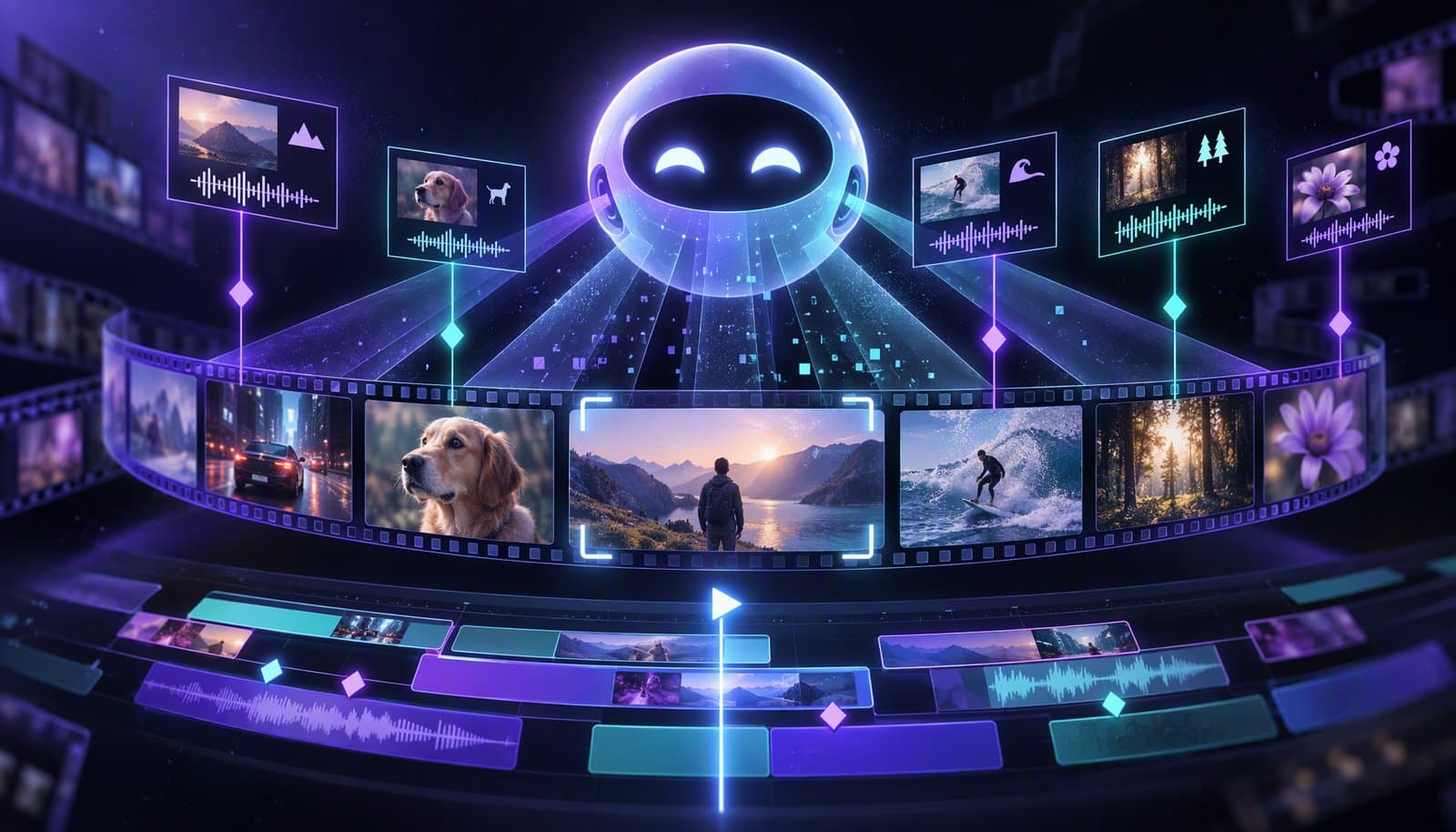
AI video understanding is software that turns footage into searchable, timestamped data: shots and scenes, objects, on-screen text, speech, speakers, actions and summaries. Most systems "watch" by sampling frames (Google's Gemini API defaults to one per second), transcribing the audio and passing both to a multimodal model. It's fast and useful, but it can miss quick action and state things that aren't there.
This explainer covers what these systems extract, how, where they fail and how editors use them. The short definition is in the visual understanding glossary entry; for the research models behind the field, see our post on video analysis models compared with Gemini.
Facts checked October 20, 2026 against Google, Twelve Labs, AWS and Microsoft documentation (see Sources). Full disclosure: Loopdesk is our product and has its own section; the rest applies to any tool.
What is AI video understanding?
AI video understanding is the automatic analysis of a video's pictures and sound to describe what is in it and when. The output is structured data, such as a list of shots with timestamps, a transcript with speaker labels, or an answer to "when does the presenter hold up the product?", that software or a person can act on.
Two generations of tools do this. Older task-specific APIs run one model per job, such as label or text detection. Newer multimodal models take frames, audio and your question together and answer in plain language. Many products combine both.
What can AI extract from a video?
AI can extract shots and scenes, technical cues such as black frames, objects, on-screen text, speech, speaker turns, faces, actions, sentiment and audio events, each with timestamps. What you get depends on the service; the table maps each to services that document it.
| What it finds | What you get back | Documented by (examples) |
|---|---|---|
| Shots and scenes | Start and end of each shot; scenes as groups of related shots | Amazon Rekognition Video, Azure AI Video Indexer, Google Video Intelligence API |
| Technical cues | Black frames, color bars, opening and end credits, slates, studio logos | Amazon Rekognition Video (segment detection), Azure AI Video Indexer |
| Objects and labels | Labels with timestamps and confidence; tracked objects | Rekognition, Video Indexer, Video Intelligence |
| On-screen text | Text read from frames (OCR) | Rekognition, Video Indexer, Video Intelligence |
| Speech | Timestamped transcript | Video Indexer (over 50 languages), Video Intelligence, Gemini |
| Speakers | Who spoke when | Video Indexer (up to 16 speakers per file) |
| Faces and people | Face and person detection; recognition only where permitted | Rekognition, Video Indexer (identification is limited access) |
| Actions and events | Descriptions and answers to questions | Gemini, Twelve Labs Pegasus |
| Sentiment and emotion | Positive, negative or neutral; emotions | Video Indexer, from speech and on-screen text rather than faces |
| Audio events | Laughter, crowd reactions, sirens, silence | Video Indexer |
| Search by meaning | Embeddings matched to plain-language queries | Twelve Labs Marengo |
How does AI "watch" a video?
AI watches a video by sampling still frames, converting the audio to text and audio features, and feeding both, with timestamps, to a model that links what is seen to what is said. It sees samples, not continuous motion, which explains most of its blind spots.
It samples frames
Google's Gemini API documentation says its default "static" processing "Extracts frames at a fixed rate (1 FPS) and places them into context in a single pass," adding a timestamp every second. You can set a custom frame rate or analyze only a clip with start and end offsets, and refer to moments in MM:SS format. Each second of video costs about 100 tokens at the default (low) media resolution and about 300 at high resolution.
It listens to the audio
The same documentation says "Audio is processed at 1Kbps (single channel)." Dedicated pipelines go further, running speech recognition and speaker diarization to label who spoke when. Transcription and diarization are different tasks, as Speaker Diarization vs Transcription explains.
A multimodal model reasons over both
The frames become image tokens, the speech becomes text, and the model answers your prompt using both. Gemini also offers an opt-in "agentic" mode in which "the model dynamically explores the video timeline," reading transcripts first and loading only relevant visual segments. Google recommends it for videos over 5-10 minutes; only some models support it.
Embeddings make footage searchable
Search works differently. Twelve Labs describes Marengo as "an embedding model for comprehensive video understanding" that analyzes visual, audio and text information, so a query like "close-up of hands on a keyboard" can match footage by meaning rather than by filename. Its Pegasus model generates text from video.
Detectors still do the precise jobs
Shot boundaries need frame accuracy, so they usually come from detectors that compare consecutive frames. AWS says Rekognition marks a shot at "the exact frame where there is a hard cut," and that it omits soft transitions. See scene detection for how cuts, dissolves and scenes differ.
Which video understanding services can you use in 2026?
The main options are Google's Gemini API, Twelve Labs, Amazon Rekognition Video and Azure AI Video Indexer. Google Cloud's older Video Intelligence API is deprecated, and Google recommends moving to Gemini: a sign of the shift from single-task APIs to multimodal models.
| Service | Approach | Details from its documentation (October 2026) |
|---|---|---|
| Google Gemini API | Multimodal model you prompt | 1 fps by default; 1M-token models handle up to 3 hours at low resolution or 1 hour at high; YouTube URLs in preview (public videos only); File API uploads up to 20 GB on paid tiers, 2 GB free |
| Twelve Labs | Marengo (embeddings and search) and Pegasus (video to text) | Latest listed versions: Marengo 3.5, Pegasus 1.6 |
| Amazon Rekognition Video | Task-specific asynchronous APIs | Labels, faces, face search, celebrities, text, moderation and segments; H.264 in MP4 or MOV, up to 10 GB; People Pathing ended October 31, 2025 |
| Azure AI Video Indexer | Many models in one index, in the cloud or at the edge via Azure Arc | Scene segmentation, editorial shot types, OCR, transcription, speaker enumeration, audio effects; face identification and celebrity recognition are limited access |
| Google Cloud Video Intelligence API | Task-specific | Deprecated September 14, 2026; shuts down September 14, 2027 |
What are the limits of AI video understanding?
The main limits are sampling gaps that miss fast action, context limits on long videos, weak reasoning about time and cause, invented details, and missed soft transitions. Treat every result as a lead to check, not a fact, especially before you cut to it or publish a description.
- Sampling misses fast action. Google's documentation warns that "fast action sequences might lose detail due to the 1 FPS sampling rate." For sports, gameplay or quick cuts, raise the frame rate on that clip.
- Long videos trade detail for length. At high resolution, an hour of video fills a 1-million-token context; going longer means lower resolution or adaptive sampling.
- Time is hard. Describing a frame is easier than counting repetitions, ordering events or saying what caused what across minutes, because the model only sees samples.
- Models can invent details. Multimodal models generate text, so they can describe an object, quote or timestamp that isn't there. Jump to each timestamp before you rely on it.
- Soft transitions slip through. Dissolves and fades change gradually; AWS's shot detection omits them by design.
- Defaults can be wrong. Microsoft notes that if Video Indexer can't identify the spoken language with confidence, it "assumes the spoken language is English."
How do video editors use video understanding?
Editors use video understanding to split footage into scenes, find highlights, match B-roll, search libraries by meaning, detect the type of content and track speakers. The AI does the first pass across hours of footage; the editor reviews the picks and makes the final calls.
- Scene detection and chapters. Split long recordings at shot and scene boundaries, remove loading screens or dead air, and draft chapters. AI Scene Detection for Gameplay shows a worked example.
- Highlight finding. Rank moments by speech, audio events such as laughter, and visual change. Microsoft lists "trailers, highlight reels, social media content" among Video Indexer's uses.
- B-roll matching. Search your own library for shots that match a line in the transcript.
- Library search. Find every moment where a product appears, a phrase is spoken or a slide shows a chart.
- Content-type detection. Classify footage as a podcast, tutorial or keynote and apply the right editing approach; see content-type detection.
- Automatic editing. Understanding is the input to auto-edit tools, covered in What Is Auto Edit?.
How does Loopdesk use video understanding?
Loopdesk's AI assistant, Aura, applies video understanding through Quick Actions in the Video Editor. Analyze Video asks Aura to analyze your footage, Generate Highlights proposes highlight clips, Suggest Edits produces an edit plan you review and apply, and Transcribe creates captions. You can also prompt Aura in plain English.
Its other AI features include speaker detection, multicam switching, silence and filler-word removal, rough cuts, aspect-ratio reframing and captions in 108 languages. Full disclosure: Loopdesk is our product. Its limits: it runs only in the browser and needs an internet connection, there is no free plan or trial, and you should review every suggested edit before export, for the reasons in the limits section. Loopdesk's FAQ says it never uses your videos to train AI models. Plans are on the pricing page.
What privacy questions should you ask before uploading footage?
Ask whether the provider uses your footage to improve its models, whether faces are identified rather than just detected, whether people on camera consented, and how long files are kept. Answers often differ between free and paid tiers.
- Training and review. Google's Gemini API terms say that for unpaid services Google uses submitted content "to provide, improve, and develop" its products and that "human reviewers may read, annotate, and process your API input and output"; they add, "Do not submit sensitive, confidential, or personal information to the Unpaid Services." For paid services, Google says it doesn't use prompts or responses to improve its products.
- Detection vs identification. Detecting a face is not the same as recognizing whose face it is. The EU's GDPR treats "biometric data for the purpose of uniquely identifying a natural person" as a special category of personal data, and Illinois's Biometric Information Privacy Act covers a "scan of hand or face geometry." Microsoft limits Video Indexer's face identification and celebrity recognition to "Microsoft managed customers and partners."
- Consent. Microsoft says that where the law requires it, you must have "all the necessary consents from individuals" in the video. Do it everywhere, especially for client footage and minors.
- Retention. Check how long uploads are stored and where; Video Indexer can also run on your own infrastructure through Azure Arc.
This is general information, not legal advice.
Sources
Read and verified on October 20, 2026.
- Google AI for Developers, "Video understanding" (last updated October 13, 2026): https://ai.google.dev/gemini-api/docs/video-understanding · Gemini API Additional Terms of Service: https://ai.google.dev/gemini-api/terms
- Twelve Labs documentation: https://docs.twelvelabs.io/v1.3/docs/concepts/models/marengo · https://docs.twelvelabs.io/v1.3/docs/concepts/models/pegasus
- AWS, Amazon Rekognition Developer Guide: https://docs.aws.amazon.com/rekognition/latest/dg/video.html · https://docs.aws.amazon.com/rekognition/latest/dg/segments.html · https://docs.aws.amazon.com/rekognition/latest/dg/persons.html
- Microsoft Learn, "What is Azure AI Video Indexer?" (updated September 2026): https://learn.microsoft.com/en-us/azure/azure-video-indexer/video-indexer-overview
- Google Cloud, Video Intelligence API features and deprecation notice: https://docs.cloud.google.com/video-intelligence/docs/features
- Regulation (EU) 2016/679 (GDPR), Article 9: https://eur-lex.europa.eu/eli/reg/2016/679/oj · Illinois Biometric Information Privacy Act (740 ILCS 14): https://www.ilga.gov/legislation/ilcs/ilcs3.asp?ActID=3004
Frequently Asked Questions
What is AI video understanding?
AI video understanding is the automatic analysis of a video's frames and audio to produce timestamped data: shots and scenes, objects, on-screen text, transcripts, speakers, actions and summaries. Editors and apps use that data to search footage, find highlights and plan edits.
How does AI watch a video?
It samples still frames (Google's Gemini API defaults to one per second), converts the audio to text, and passes both with timestamps to a multimodal model that answers questions or describes what happens. It sees samples, not continuous motion, so it can miss quick action.
Can AI understand long videos?
Yes, within limits. Google says Gemini models with a 1-million-token context can process up to 3 hours of video at low media resolution or 1 hour at high. An opt-in agentic mode reads transcripts first and loads only the relevant visual segments.
How accurate is AI video analysis?
It's useful for a first pass but not reliable enough to publish unchecked. One-frame-per-second sampling can miss fast action, models can describe details that aren't there, and timestamps can be off. Check each result before you cut or publish.
What is the difference between video understanding and scene detection?
Scene detection is one task within video understanding: finding where shots and scenes begin and end. Video understanding is the broader set, which also covers objects, on-screen text, speech, speakers, actions, sentiment and summaries.
Is it safe to upload private footage to an AI video tool?
Check the terms first. Google's Gemini API terms say free-tier content can improve its products and be read by human reviewers; paid-tier prompts and responses aren't used that way. Loopdesk's FAQ says it never trains AI models on your videos. Get consent from people on camera.
Want Aura to analyze your next upload? Try Loopdesk - run Analyze Video or Generate Highlights in your browser, then review every suggested cut before you export.